 Networking
Fiber Backbone & Campus Links
Fiber between floors, buildings and sites at 10–100 Gbps. It doesn't conduct, so lightning can't ride it from one building to the next.
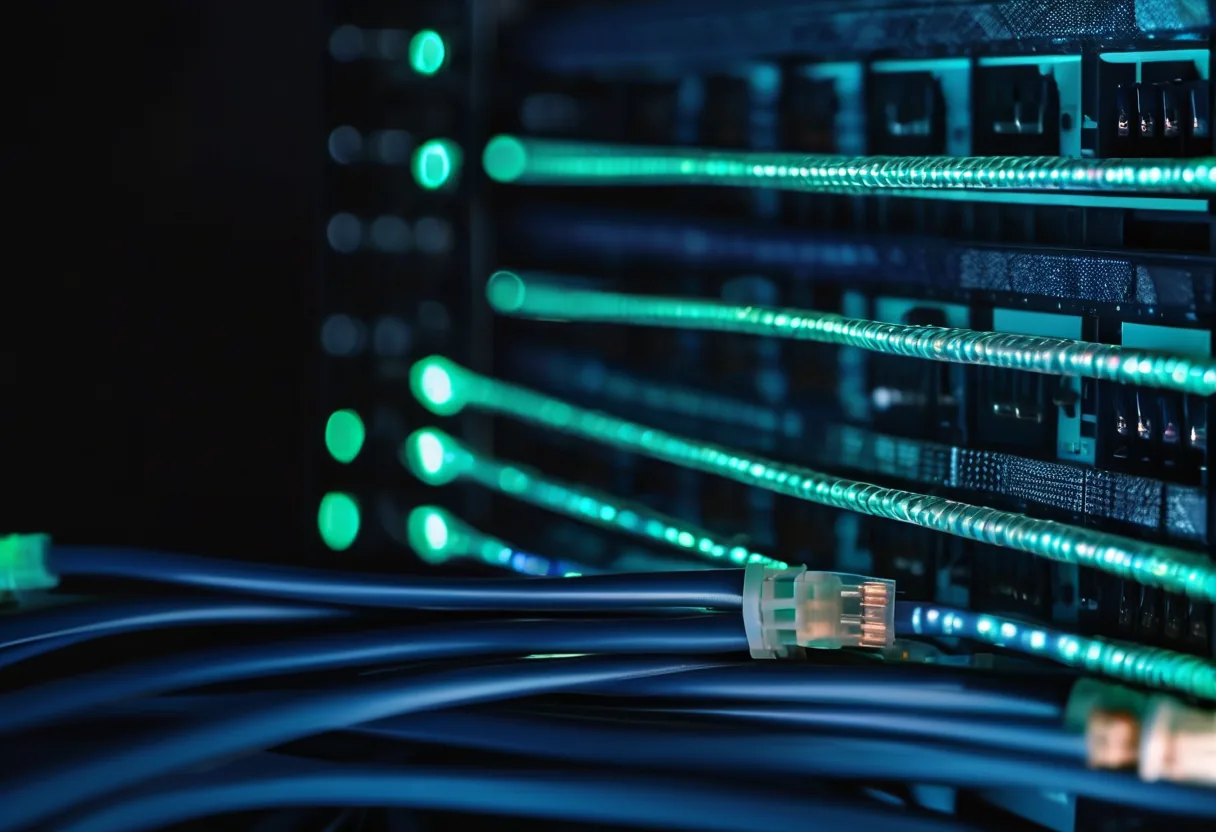
What we usually find on site
Copper run across a car park or between buildings is often over 100 m and acts as an antenna for lightning. In the rainy season, switches dead at both ends after one stormy night is something we see regularly.
Glass fiber doesn't conduct electricity, so lightning, motor noise and ground-potential differences between buildings don't affect it. Inside buildings we use OM3/OM4 multimode (10GBASE-SR reaches 300 m on OM3 and 400 m on OM4). Between buildings, across plants and at mines where distances are in kilometres, we use OS2 single-mode.
For any new link between buildings we recommend OS2 almost every time. The cable costs about the same and it has far more headroom for future speeds.
Cable for the route
- Armored: direct burial or anywhere with rats. Rodents chewing fiber is real, especially in warehouses and food plants.
- ADSS: aerial pole runs without a steel messenger.
- HDPE duct: routes you'll add to later. Lay the duct once and blow more cable in when needed.
Every joint is fusion-spliced in a sealed closure and tested with an OTDR and power meter.
Lay spare cores
Labour and trenching are most of the cost, not the cable. Twelve cores instead of four costs little more and saves digging twice. Systems that can't stop should have a second, physically separate ring path, because excavators and trucks hitting poles don't book ahead.
What it does
Single-mode and multimode
Chosen by distance and 1/10/25/100 Gbps target.
Fusion splicing
Lower loss and longer-lasting than mechanical splices.
OTDR on every core
Kept as a baseline, so the day a cable is cut we find the break fast.
Outdoor cable to suit
Armored, ADSS or HDPE duct depending on the route.
Electrical isolation
A strike on one building doesn't travel to the other building's switch.
Ring redundancy
Two physical paths for systems that can't go down.
Design and rollout
- 1
Walk the actual route and measure distances
- 2
Choose cable type, core count and method (buried, aerial, duct)
- 3
Lay cable and install ODFs and closures
- 4
Fusion splice and test with OTDR in both directions
- 5
Fit SFPs and bring links up
- 6
Hand over route maps and test reports
Where it fits
- Mines linking the control room, processing plant and staff camp
- Multi-building factories and special economic zones
- University and hospital campuses
- Resorts with villas spread across the grounds
Typical system sizes
Building Riser
Fits: One multi-floor building
- OM4 from the MDF to every IDF
- ODFs and patch cords
- Test report
Campus
Fits: 2–10 buildings, up to about 2 km
- Outdoor OS2 (buried or aerial)
- Sealed closures and OTDR testing
- Route map
Industrial / Long-haul
Fits: Mines, power plants, several km
- Armored cable or HDPE duct
- Redundant ring path
- Break-repair agreement with response times
Brands we supply & install
All brand names and trademarks belong to their respective owners. Mention does not imply official partnership unless explicitly stated. Products are sourced through legitimate distribution channels.
FAQ
Single-mode or multimode?
Multimode suits short in-building runs and the optics are slightly cheaper. Single-mode reaches kilometres. Between buildings, we use single-mode.
What happens if the fiber gets cut?
We shoot an OTDR to locate the break and re-splice. With a baseline trace from handover, we know to within a few metres where to dig.
Can I use media converters?
Fine for a small endpoint like a guard house. For a backbone, switches with SFP ports are better: manageable, visible, and one less box to fail.
Related guides
Cat6 vs Cat6A vs Fiber: Which Cable Goes Where
Cable in the walls outlives several generations of switches. Speed, distance and where to use Cat6, Cat6A and fiber, a worked quantity example, and how to accept a…
Network Rack Layout and Labeling: So the Next Technician Finds the Cable in Five Minutes
Sizing the rack, laying out equipment, managing cables and a TIA-606 style labeling scheme, plus a maintenance schedule and advice for dusty, hot sites.
Designing an Office Network: What to Decide Before You Buy Anything
The order of decisions an engineer follows when designing LAN, Wi-Fi, firewall and power for a 20–300 person office in Laos, with a checklist and a phased budget.
Related solutions
Networking
 Structured CablingCat6/Cat6A and fiber, labeled at both ends, every link tested, drawings handed over. Cabling done right once lasts 15+ years.
 Enterprise LAN & SwitchingA core–access LAN with VLANs, redundant uplinks and enough PoE. One looped cable no longer takes down the whole building.
 Enterprise Wi-FiWi-Fi 6/6E/7 with APs placed from real measurements. Works in a full meeting room, holds calls while you walk, secured with WPA3.
 SD-WAN for BranchesProvincial branches run two internet links at once. If one fails, the other takes over within seconds, and everything is…
 Point-to-Point Wireless LinksPtP/PtMP radio links over several kilometres for buildings and sites you can't cable, across roads and rivers.
 Industrial Networking (OT)Hardened switches that survive dust, heat and vibration, with ring redundancy and IT/OT separation for plants and mines.
Send us a floor plan or a few photos of the site
We’ll come back with a few questions, then a first design. The first consultation is free, in Lao, Thai or English, on WhatsApp or our Facebook page.