





Skip to content
VGroup.IT Solutions
AI for Organizations

Private AI for Organisations, Inside Your Building

AI on your own servers for document search, transcription and data entry in Lao, Thai and English. Tested on your own files before you buy.

Private AI for Organisations, Inside Your Building

Your data stays inside

Runs on a server in your building or private network. Never used to train public AI.

Tested on your own files first

See real results, mistakes included, before you buy any server.

A person approves every result

AI drafts, your staff check and approve. Answers show the file and page they came from.

Looked after every month

Updates, re-testing and help on WhatsApp in Lao, Thai or English.

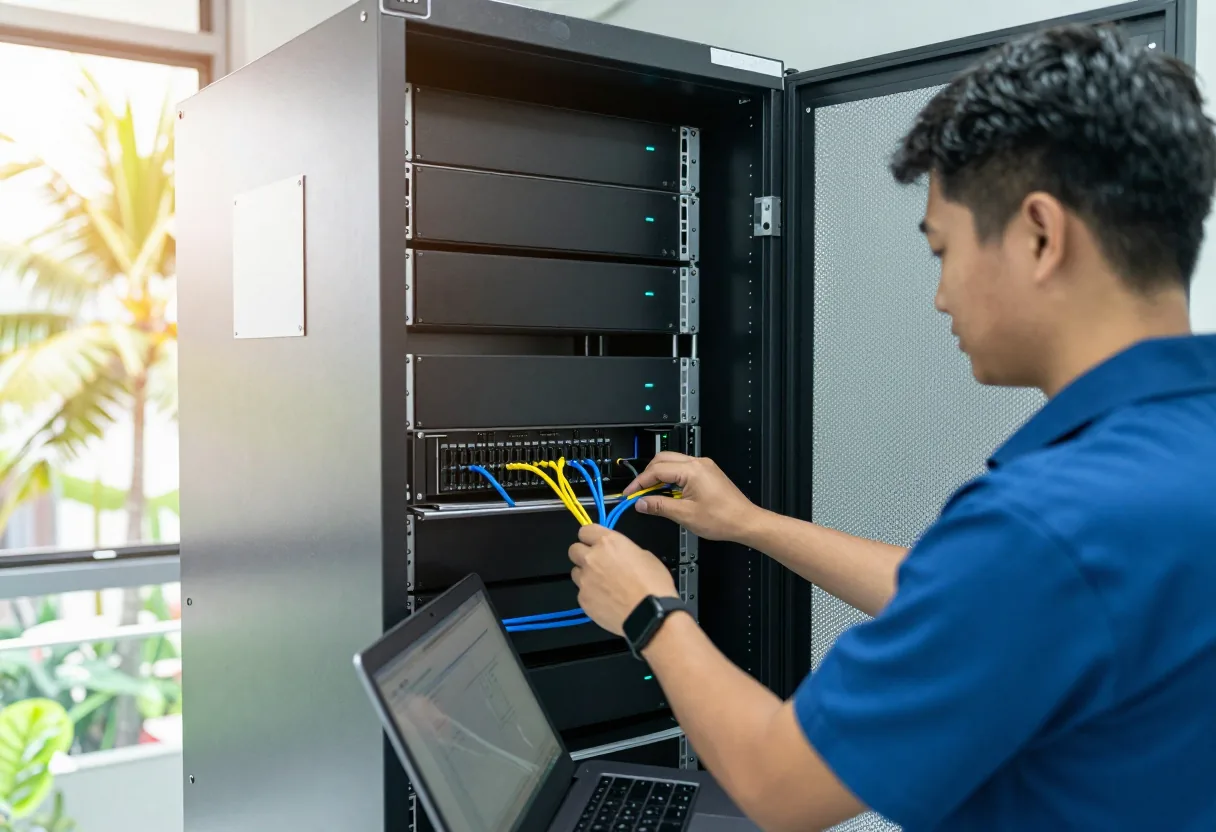
We are specialists from Thailand who plan, install and look after private AI that runs inside the customer's building, on the customer's own servers. Documents, meeting recordings and forms do not have to leave your organisation. We work in Lao, Thai and English.

AI is not magic. It helps with repetitive, time-consuming work: finding answers in folders of documents, transcribing meetings, typing data from invoices. It also makes mistakes, sometimes confidently. So every system we install has a person checking the output and a way back to the original.

Every project starts with a pilot on 20–50 of your real samples, because Lao in AI has to be measured, not assumed. You see the results next to the originals before you decide to buy anything.

Work AI can help with

Documents nobody can find

Contracts, rules and reports exist, but nobody remembers which file. Ask in plain language and get an answer with the file and page.

Typing data from paper

Invoices and forms are read into a spreadsheet, with uncertain fields highlighted for a person to check.

Writing meeting minutes

Meetings transcribed in Lao, Thai or English, with draft minutes for the secretary to check.

Translation drafts

Draft translations between Lao, Thai and English for internal use. Official documents still need a fluent person to check.

Marketing images and video

Illustrations and short videos, each labelled as AI-generated and never used in place of real product photos.

Staff using online AI with no rules

Training on safe use and clear rules on which data must not leave the organisation.

Our AI services

Who it is for

Government offices

Many letters, reports and meetings, and documents that should not leave the building.

Company back offices

Accounting, procurement and HR teams that type data and hunt for contracts every day.

Schools and universities

Registration forms, teaching materials and teachers who want to use AI properly.

Hospital and clinic administration

Forms and admin paperwork full of personal data that must stay inside. Not diagnosis.

Hotels, restaurants and shops

Labelled AI marketing illustrations and searchable staff procedures.

NGOs and development projects

Interviews, field reports and multilingual documents that need transcribing and summarising.

How a project runs

  1. 1

    Message us on WhatsApp

    Tell us which work eats staff time and what languages your documents are in.

  2. 2

    Choose real samples

    Pick 20–50 documents or recordings per task, hard ones included. Pass criteria and handling rules are agreed first.

  3. 3

    Review the pilot results

    Results next to the originals, mistakes included. We say plainly which tasks are ready and which are not.

  4. 4

    Size the server

    Based on the tasks that passed, the number of users and the location. The quote names brand and model.

  5. 5

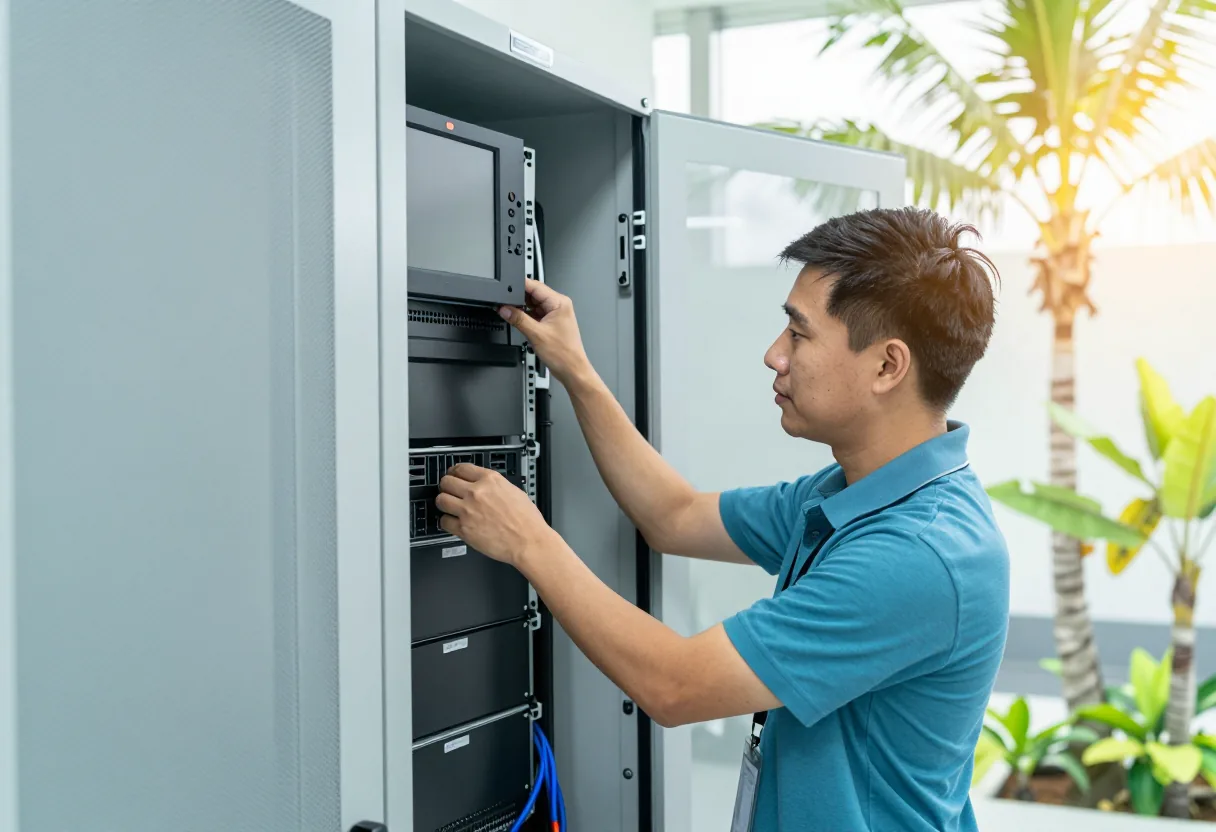
    Install on site

    Server, UPS, user accounts, permissions, usage logs and backup.

  6. 6

    Acceptance test

    Run the test set agreed in writing. Go live only when it passes.

  7. 7

    Monthly care

    Updates, test re-runs, new documents added and help on WhatsApp.

What an AI machine looks like

Private AI usually runs on one of three sizes of machine. We choose the size after the pilot, based on your work and number of users — no fixed brand.

Desktop AI box

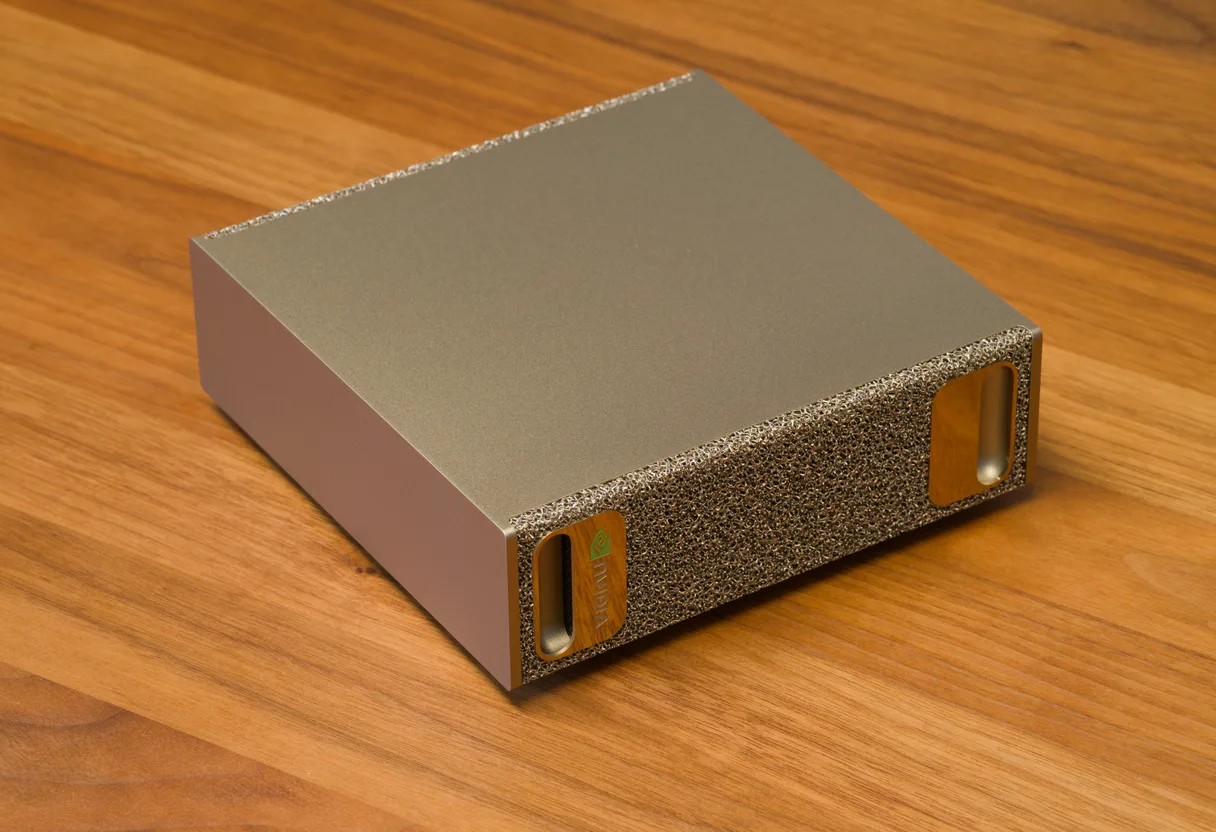
Photo: Daniel Lu, CC BY-SA 4.0 · cropped and resized

Desktop AI box

Looks like
Smaller than a shoebox; sits on a desk or shelf in the office and runs quietly.
Good for
One team or department, pilots, document search and transcription.
You need
A normal power socket, the office network and a small UPS. No server room needed.
Example models
For example NVIDIA DGX Spark and machines from other makers built on the same chip.
Several boxes linked together

Photo: Daniel Lu, CC BY-SA 4.0 · cropped and resized

Several boxes linked together

Looks like
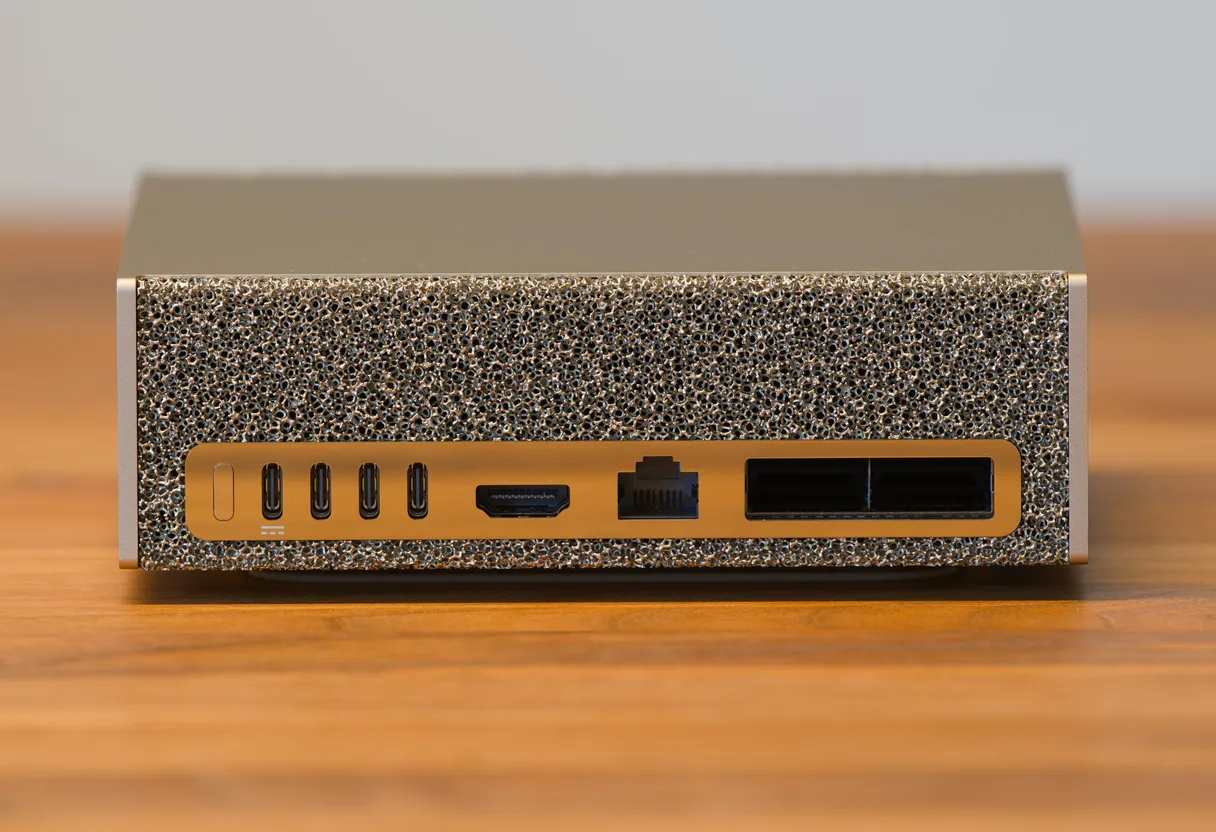
Two or more desktop boxes on one shelf, joined through the high-speed network ports on the back (pictured).
Good for
Several departments at once, models too large for one box, or one job per box.
You need
A high-speed network switch, a larger UPS and a well-ventilated spot.
Example models
For example several DGX Spark units linked together.
GPU server in a rack

GPU server in a rack

Looks like
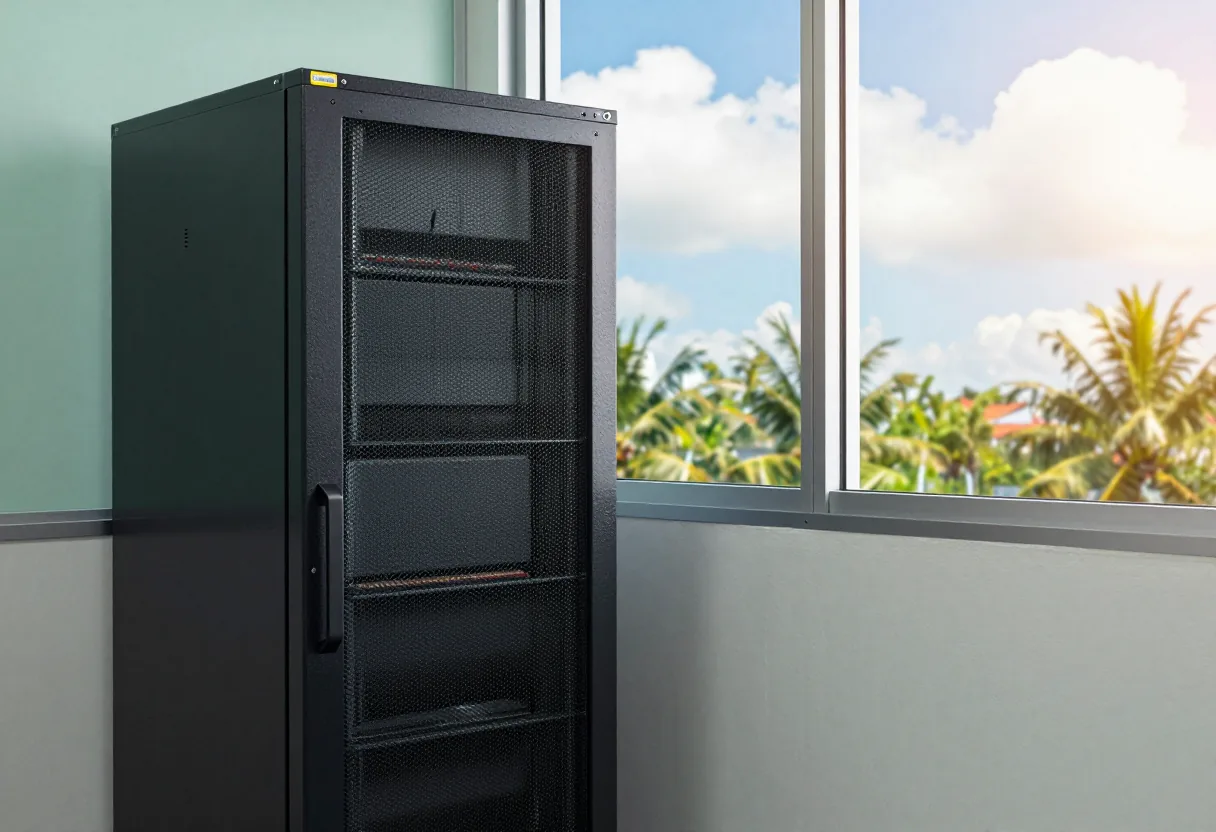
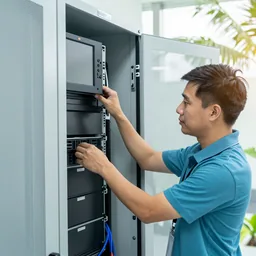
A flat server mounted in a rack with AI processing cards inside; its fans are louder.
Good for
The whole organisation, many users at once, work that runs day and night.
You need
A server room or rack, server-grade power and UPS, and cooling.
Example models
For example servers with NVIDIA data-centre cards from mainstream server makers.

The first two images are photos of the real machine (credit under each image); the third is an AI-generated illustration. NVIDIA and DGX are trademarks of NVIDIA Corporation. We are not an official NVIDIA partner.

Your data stays inside

Where it runs

The system runs on a server in your building or on your organisation's private network. Documents, audio and questions are not sent to an online AI service. Branches connect only over a secure connection.

Who can get in

  • Everyone has their own user account, no shared logins
  • Permissions by group and folder: HR and finance files are visible only to people with the right
  • A log of who asked what, which document they opened, and when

No training on your data

Customer documents are never used to train a public AI model. The open-weight models we install run on your machine, and your data does not leave it.

Backup and restore

Documents, indexes and configuration are backed up in more than one place, and we run a real restore test before handover. You decide how long each kind of data is kept, following your organisation's own policy.

Your data stays inside

A person checks every result

AI drafts, a person approves

Minutes, extracted data and draft letters are approved by a staff member before they are used.

Answers point to the file and page

Every answer names the internal document and page it used, one click to check.

Uncertain fields highlighted

Anything the system is unsure about is highlighted for a person to look at first.

One click back to the original

Sentences in minutes replay the audio, rows in a spreadsheet open the document image.

Audit log

The system records who checked, corrected and approved what, and when.

What we do not claim

  • AI can be confidently wrong and invent numbers or names. We do not claim the output is always right, which is why a person checks it.
  • Lao in AI is still weaker than Thai and English for many tasks. Handwriting, text mixing three languages and poor scans are the hardest cases.
  • Transcription struggles with overlapping voices, noisy rooms and strong regional accents. A good microphone helps more than software.
  • Answers are only as good as the documents. If folders hold conflicting versions or blurry scans, the AI cannot do better than that.
  • AI does not replace staff. It drafts and searches, but decisions and responsibility stay with people.
  • AI images and video are always labelled as AI-generated and are never presented as the real product, place or person.
  • Some tasks are not ready for AI yet. If the pilot shows that, we tell you plainly before you buy any hardware.

What you receive at handover

  • Pilot and acceptance test results, side by side with the originals
  • The agreed test set and pass criteria, for re-running after every update
  • User guide in Lao
  • Administrator guide
  • List of user accounts and the rights of each group
  • Backup and restore procedure, with the result of a real restore test
  • Equipment list with brand, model and warranty documents
  • Network diagram and branch access setup
  • WhatsApp contact for monthly care and reporting problems

AI guides

FAQ

How is private AI different from online AI?

Online AI runs on the provider's servers, so whatever you paste in leaves your organisation. Private AI runs on a server in your building, access follows user accounts, and the data goes nowhere else.

How well does it handle Lao?

It depends a lot on the task. Answering questions and drafting text usually go better than reading handwriting or transcribing noisy audio. We do not guess: we measure on your own documents and recordings and show you the results.

Do we have to buy a server first?

No. We test on your real samples first. The server is sized once we know which tasks passed and how many people will use it.

Will our documents be used to train AI?

No. Customer documents are not used to train public models. The system reads your documents only to search and answer, inside your own server.

Will AI replace our staff?

No. It helps with repetitive work such as searching, typing and drafting. People still check, approve and take responsibility for the result.

What happens if the server has a problem?

Tell us on WhatsApp in Lao, Thai or English. Data is backed up and the restore procedure was tested at handover. Under monthly care we check the backups every month.

Does it work with systems we already have, such as Microsoft 365?

Usually yes, for files synced to a server or internal shared folder, and extracted data can be exported as Excel or CSV. We check how to connect during the pilot.

Send us a floor plan or a few photos of the site

We’ll come back with a few questions, then a first design. The first consultation is free, in Lao, Thai or English, on WhatsApp or our Facebook page.