 Networking
Hotel Guest Wi-Fi
Wi-Fi guests can join easily, strong in every room, each guest isolated, with your own login page and PMS link.
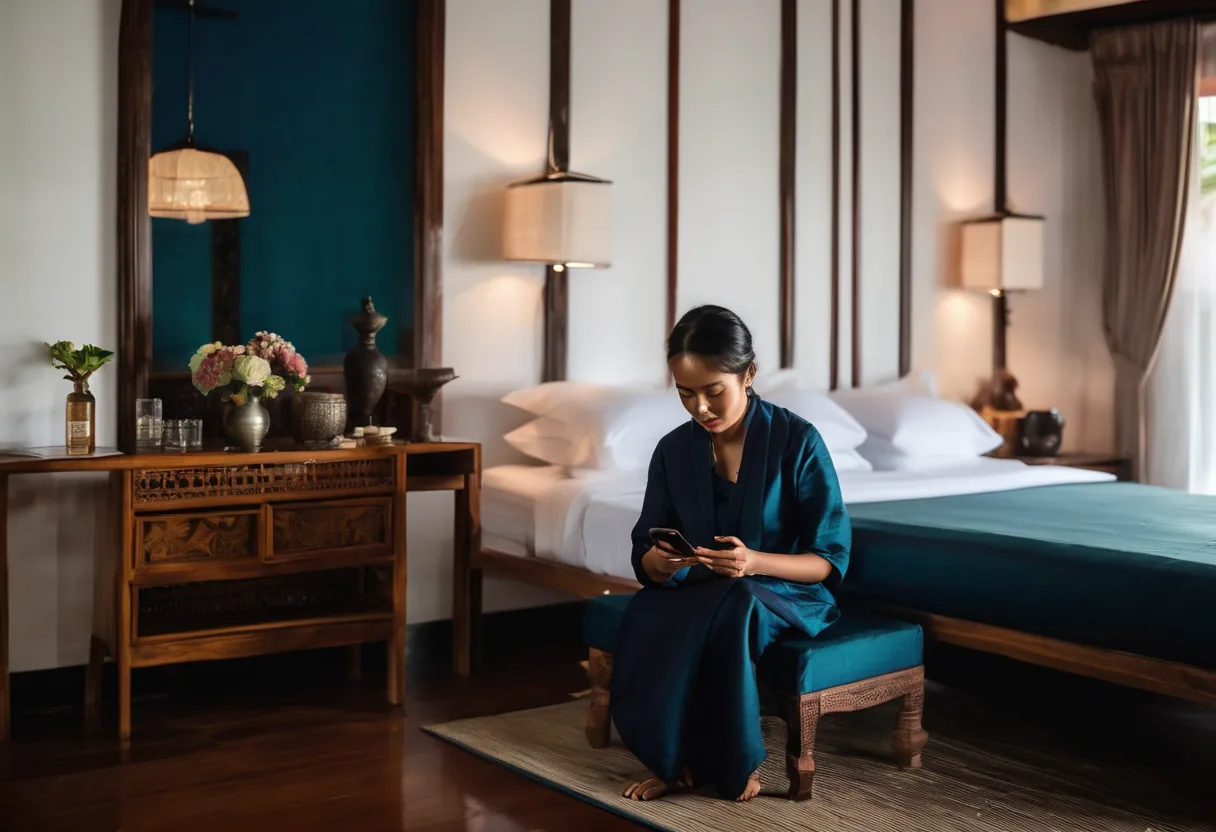
What we usually find on site
"The Wi-Fi in the room doesn't work" is one of the most common lines in hotel reviews. Usually the APs are in the corridor and the signal has to get through concrete and a bathroom before it reaches the bed. And all guests often share one network, where they can see each other's devices.
For hotels we recommend in-room wall-plate APs in every room or every second room, not corridor mounting. These APs also have LAN ports for the smart TV, IPTV and room phone, so one cable does several jobs. Lobby, function rooms and the pool get high-density and outdoor APs.
What guests see
- A login page with your hotel's name: room number + surname (via PMS), a voucher or a daily code. Front desk stops spelling out the Wi-Fi password to every arrival.
- Every guest isolated: client isolation and separate VLANs. Guests can't see each other's devices or reach staff or POS networks.
- Fair bandwidth: per-user limits so one room downloading doesn't slow the whole floor, with a premium tier for conferences if you want one.
What guests don't see, but matters
Two ISPs with load balancing so the property doesn't go offline when one provider has a bad day. A UPS on the switches and gateway. And session logs, which help a lot when you need to find out what happened on the network.
Older and heritage buildings in Luang Prabang and Vang Vieng often can't be drilled. There we run cable in surface trunking or use desk-mount APs, and design around the building.
What it does
In-room APs
Strong signal in the room, plus LAN ports for TV and phone.
Your own login page
Room number, voucher or daily code.
PMS integration
Guest names checked automatically against supported property systems.
Guest isolation
Client isolation and VLANs separate from staff and POS.
Bandwidth control
Per-device limits and premium tiers.
Two ISPs
One link fails, guests stay online.
Design and rollout
- 1
Survey rooms, wall materials and public areas
- 2
Design in-room and high-density AP placement
- 3
Install PoE switches, gateway and two ISPs
- 4
Set up the portal, VLANs and PMS link
- 5
Test every room and brief front-desk staff
Where it fits
- Business hotels in Vientiane with guests and conferences
- Resorts and boutique hotels in Luang Prabang and Vang Vieng
- Guesthouses and serviced apartments
- Conference and banquet halls with hundreds online at once
Typical system sizes
Boutique
Fits: Up to 40 rooms
- Cloud-managed APs covering every room
- Voucher-based login page
- Separate guest and staff Wi-Fi
Business Hotel
Fits: 40–200 rooms
- In-room APs plus meeting rooms
- PMS integration and service tiers
- Two ISPs with load balancing
Resort / Convention
Fits: 200+ rooms or large grounds
- Outdoor APs and PtP links to villas
- High-density event Wi-Fi
- 24/7 monitoring and reporting
Brands we supply & install
All brand names and trademarks belong to their respective owners. Mention does not imply official partnership unless explicitly stated. Products are sourced through legitimate distribution channels.
FAQ
Why not mount APs in the corridor?
The signal has to pass concrete and a bathroom (tiles, mirrors, pipes), which absorb a lot. In-room APs give better signal at lower power, so they interfere with each other less.
Can we reuse existing cabling or coax?
Cat5e or better that passes testing is usually fine. There are coax-based products, but it's case by case. We test what's there before we quote.
Should we keep guest internet logs?
We recommend keeping session logs (which device, which room, when) for a period so you can investigate incidents. You set the retention, and you should have a policy on who may view them.
Related guides
Hotel Wi-Fi Design Guide: From Guest Rooms to Ballrooms and Garden Villas
In-room AP placement, a captive portal tied to the PMS, keeping guests away from hotel systems, a worked bandwidth example, and what is specific to hotels in Laos.
Wi-Fi Security: WPA3, 802.1X and Guest Isolation That Actually Isolates
A Wi-Fi password taped to the wall and a guest SSID on the staff VLAN are what we find most. How to pick security modes, design SSIDs and VLANs, and move to WPA3 without…
Internet Redundancy with Dual ISPs: When the Fiber Gets Cut
Failover or load balancing, how to pick two providers that won't fail together, the equipment you need, and how to test failover so you know it really works.
Wi-Fi Site Survey Guide: Measure Before You Drill
Which kind of site survey to use, the RSSI/SNR targets we design to, what actually happens on survey day, and the report you should get at the end.
Choosing Business Wi-Fi Access Points: What Matters Beyond the Box Speed
Wi-Fi 6, 6E or 7, cloud or controller, indoor or outdoor: what an engineer checks before ordering APs, including the 6 GHz and country-SKU question and a first estimate…
VLAN Basics for Business: Keeping Guests, Cameras and Staff Apart
What a VLAN is, how 802.1Q tagging works, a sample VLAN/IP plan for a 100-person office, and how to migrate a live flat network without downtime.
Related solutions
Networking
 Structured CablingCat6/Cat6A and fiber, labeled at both ends, every link tested, drawings handed over. Cabling done right once lasts 15+ years.
 Enterprise LAN & SwitchingA core–access LAN with VLANs, redundant uplinks and enough PoE. One looped cable no longer takes down the whole building.
 Enterprise Wi-FiWi-Fi 6/6E/7 with APs placed from real measurements. Works in a full meeting room, holds calls while you walk, secured with WPA3.
 SD-WAN for BranchesProvincial branches run two internet links at once. If one fails, the other takes over within seconds, and everything is…
 Fiber Backbone & Campus LinksFiber between floors, buildings and sites at 10–100 Gbps. It doesn't conduct, so lightning can't ride it from one building to the…
 Point-to-Point Wireless LinksPtP/PtMP radio links over several kilometres for buildings and sites you can't cable, across roads and rivers.
Send us a floor plan or a few photos of the site
We’ll come back with a few questions, then a first design. The first consultation is free, in Lao, Thai or English, on WhatsApp or our Facebook page.