On this page
- First problem: where do the APs go?
- Which Wi-Fi generation, and what feeds it
- Public areas each have their own problem
- Captive portal
- Guests and hotel systems must never share a network
- Bandwidth: get the variables right
- What we find in hotels that call us
- What's specific to hotels in Laos
- Before you accept the handover
- Send us one guest floor
Read the online reviews of hotels in Vientiane, Luang Prabang or Vang Vieng and count how many mention the Wi-Fi. Guests don't praise good Wi-Fi, because it's supposed to be good, like hot water and electricity. But they write about it straight away when it isn't.
Today's guest carries two to four devices, streams video in the room in the evening, joins an online meeting in the morning and uploads several hundred photos before checkout. And they all do it at the same time, between 20:00 and 23:00.
First problem: where do the APs go?
| Approach | Pros | Cons |
|---|---|---|
| APs in corridors | Fewer APs | Signal has to pass thick doors and bathroom walls; weak at the bed |
| In-room wall-plate APs | Strong in-room signal, often with LAN ports for smart TVs or phones | More APs, careful channel planning needed |
| In-room, alternate rooms | Balance of cost and quality | Must be validated by survey |
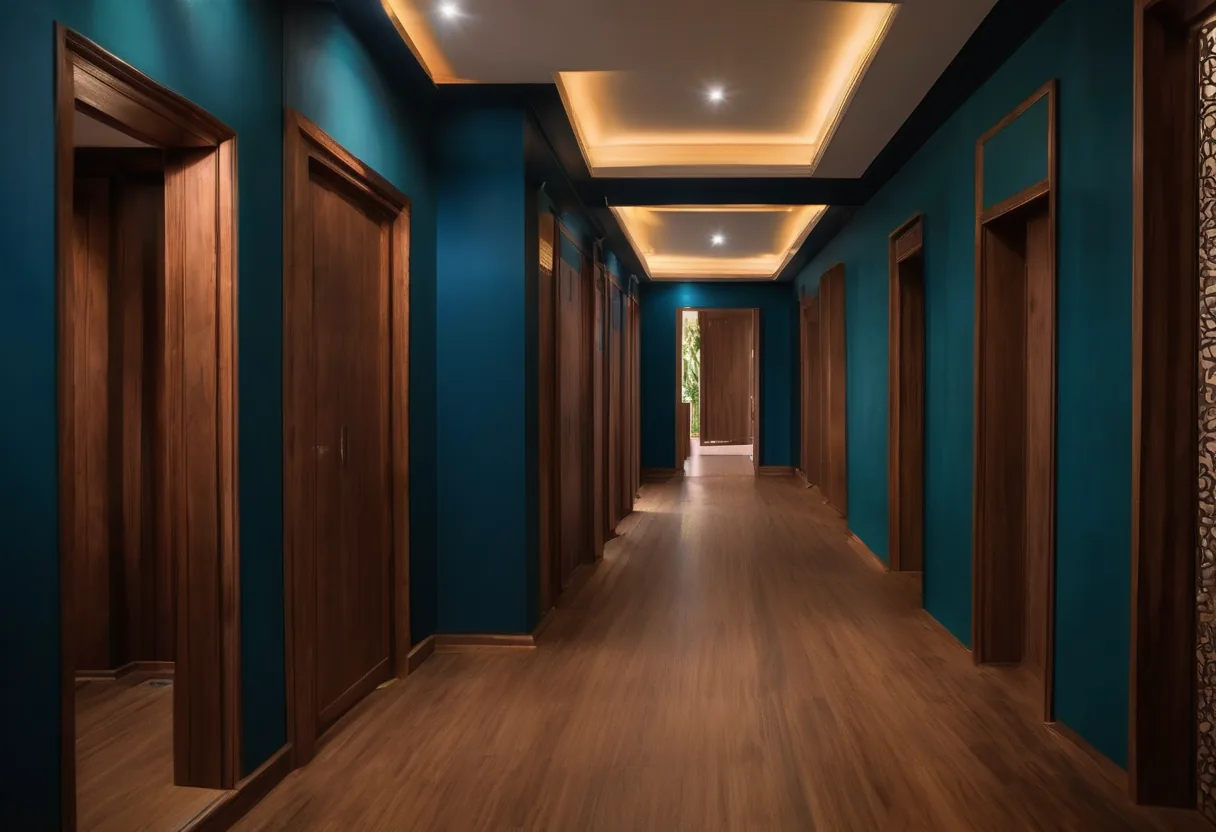
Corridor APs are what many older hotels have, and it's why guests end up sitting by the door to make a call. A fire door and a tiled bathroom between the AP and the bed absorb a lot of signal.
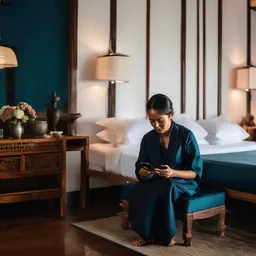
For most hotels we recommend in-room wall-plate APs, in every room or every other room. With the AP inside the room we can run low transmit power and 20 MHz channels, so each room doesn't interfere with its neighbours or the floors above and below.
Which Wi-Fi generation, and what feeds it
In 2026 the sensible floor for a hotel is Wi-Fi 6 (802.11ax). Wi-Fi 7 (802.11be) has been certified since early 2024 and brings multi-link operation and wider channels, but most of its headline speed depends on the 6 GHz band and 320 MHz channels. Whether 6 GHz is enabled depends on the country setting in the AP firmware, and many guest phones still don't use it. Design the hotel to work well on 5 GHz alone; treat 6 GHz as a bonus where it is available.
What the AP needs from the cabling matters as much as the Wi-Fi standard:
| Item | Wi-Fi 6 wall-plate or ceiling AP | Wi-Fi 7 enterprise AP |
|---|---|---|
| PoE | 802.3af/at is usually enough | Often 802.3bt for full features; some run reduced on 802.3at |
| AP uplink | 1 GbE is fine for in-room APs | 2.5 GbE (multi-gig) port is common |
| Switch uplink to core | 1–10 GbE | 10 GbE recommended |
| Cable | Cat6 | Cat6 or Cat6A for long runs and future upgrades |
Worked example: PoE budget for one floor
A floor with 24 rooms uses alternate-room wall-plate APs (12 units) plus 2 ceiling APs in the corridor and lift lobby. Using 15 W per wall-plate AP and 25 W per ceiling AP as planning figures (check the datasheet for your model), the floor needs 12 × 15 + 2 × 25 = 230 W of PoE. Add 25% headroom and you want a switch with at least about 290 W of PoE budget, on a UPS. Our PoE budget calculator does this sum per switch, and the Wi-Fi AP estimator gives a first AP count.
Public areas each have their own problem
Lobby and breakfast room. Quiet most of the day, then packed when a tour group checks in and between 7:00 and 9:00 at breakfast.
Ballrooms and meeting rooms. A 300-person seminar means 500–700 devices in one room. Design for capacity, not floor area. Under high ceilings, use APs with directional antennas so you control which area each AP serves.
Pool, gardens and villas. Weather-rated outdoor APs, or point-to-point wireless to detached buildings where cable can't reach. Riverside resorts on the Mekong or the Nam Song have villas hundreds of metres apart, and trenching fiber through finished landscaping isn't what the owner wants to hear.
Worked example: the ballroom
A 300-seat seminar with 500–700 devices, of which perhaps half are active at once. In dense rooms we plan for roughly 50 active devices per AP, which gives 5–7 APs for the room, on 20 MHz or 40 MHz channels so neighbouring APs don't share a channel. Turn off the lowest data rates so phones don't cling to a distant AP, and give the event organizer's stage equipment and live stream a wired port or its own SSID with a bandwidth reservation.
Captive portal
Guests log in with room number and surname (PMS integration), a voucher, or a terms page. PMS integration is the easiest for guests, and access expires automatically at checkout.
Rate-limit per guest or per room so one guest uploading 4K video can't eat the whole line. Portal pages should be available in Lao, Thai, English and Chinese.
Keep access logs in line with hotel policy, and decide clearly how long they're kept and who may look at them. They're very useful when you need to trace which device was sending unusual traffic.
Guests and hotel systems must never share a network
| Network | VLAN / SSID | Notes |
|---|---|---|
| Guests | Guest | Client isolation, internet only |
| Staff | Staff (WPA3/WPA2-Enterprise) | Access to PMS and email |
| POS and payments | Dedicated | Never broadcast on guest Wi-Fi |
| CCTV, IoT, door locks | Dedicated | No path from the guest side |
Client isolation is not optional. Guests must never see each other's laptops or phones. If you're not sure, connect to the guest Wi-Fi and run a network scan. If you can see the front-desk printer or a CCTV camera, there's work to do.
Bandwidth: get the variables right
Size from peak concurrent guests, not total rooms, times bandwidth per person, plus headroom.
Example: an 80-room hotel at 90% peak occupancy with about 1.6 guests per room.
| Item | Value |
|---|---|
| Peak guests | 80 × 0.9 × 1.6 ≈ 115 |
| Concurrently active at peak (about 50%) | ≈ 58 |
| Bandwidth per active guest (HD streaming and general use) | ≈ 3–5 Mbps |
| Required bandwidth | ≈ 175–290 Mbps, plus staff and events |
This is a starting point. After a month in operation, look at real usage in your monitoring data and adjust. You can try different assumptions in our bandwidth calculator.
And use two internet links or a backup. Wi-Fi going down at 9 pm on a full night means the front-desk phone doesn't stop ringing.
What we find in hotels that call us
A consumer router on every floor, each with its own SSID, so guests have to reconnect every time they go down to eat. Guests and hotel systems on the same network. Every AP at full power, interfering across floors. A ballroom nobody thought about at design time. And no monitoring, so the hotel learns about problems from guest reviews before it hears from IT.
What's specific to hotels in Laos
Remote management. A cloud-managed platform lets the IT team or provider see status and fix things from Vientiane. For a resort three hours out of town, that changes everything.
Power. Brownouts and flicker are common in the rainy season. Every floor's PoE switch needs a UPS, or every AP on that floor reboots whenever the lights flicker.
Old and heritage buildings. In Luang Prabang's World Heritage zone, or colonial-era buildings in Vientiane, drilling and cable runs are restricted. We plan cable routes that don't touch the original structure and choose APs that blend with the décor.
New builds and renovations. This is the best chance you'll get to run cable to an AP in every room. Talk to us before the fit-out contractor closes the ceilings.
Before you accept the handover
- A post-installation survey of at least one guest floor, the ballroom and the lobby, with the heat maps in the handover pack.
- Walk the corridor on a video call: the call should not drop as you pass from AP to AP.
- From the guest SSID, scan the network: you should see nothing but the internet.
- Log in through the portal in each language, and check that access ends at checkout.
- Pull the mains plug on one floor's UPS: the APs should stay up for the planned runtime.
- Confirm who receives monitoring alerts, and that an AP going offline produces one.
Send us one guest floor
Send a plan of one typical guest floor, the ballroom plan and your total room count. We'll recommend corridor, in-room or alternate-room APs, and how much internet bandwidth you should have.
- #hotel
- #hospitality
- #guest wifi
- #captive portal
- #wifi design
- #client isolation