 Physical Security
IP CCTV Surveillance
H.265 IP cameras with NVR/VMS, designed around what each must see: faces, plates or overview. Built for dust, rain and power dips.
What we usually find on site
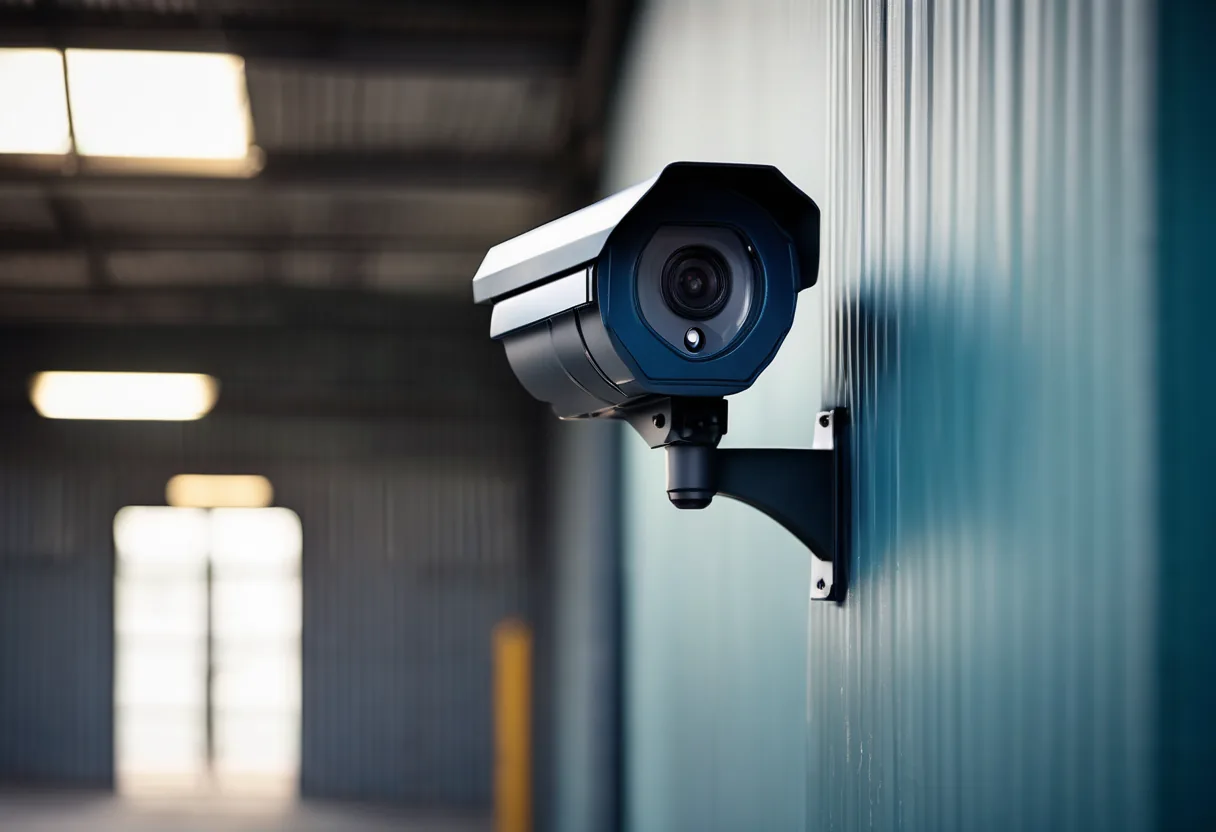
Something happens, you pull up the footage, and the camera saw a person but not a face. Or it's black at night. Or it only keeps three days and the incident was last week. We see this constantly in systems installed without a design.
We start every camera with one question: what does this camera need to see? IEC 62676-4 sets the pixel density (pixels per metre at the target) for each level:
| Level | Pixels per metre | Lets you |
|---|---|---|
| Detect | 25 | Tell a person or vehicle is there |
| Observe | 63 | See actions and clothing |
| Recognize | 125 | Recognise someone you know |
| Identify | 250 | Identify a stranger |
Only then do we choose resolution (4MP–4K), lens (fixed or varifocal) and form factor (dome, bullet, PTZ, fisheye). A wide-angle 4MP camera covering a whole car park gives a fine overview and will never show a face. It's the most common mistake we see.
Day and night
Backlit entrances need true WDR, not digital WDR. At night we use low-light colour cameras or IR matched to the distance. Outdoor cameras are IP66/IP67 and IK10 vandal-resistant, with surge protection. In the rainy season, insects swarming the built-in IR can trigger motion alerts all night; a separate IR illuminator helps.
Recording and management
H.265 needs roughly half the storage of H.264 at similar quality. We size disks from the number of days you need and use RAID for important systems. Cameras sit on their own VLAN, default passwords are changed, and NVR ports are never opened to the internet. Mobile viewing goes through a VPN or a securely configured vendor cloud. ONVIF lets cameras and recorders from different brands work together at a basic level. And a UPS is a must: burglars know when the power's off.
What it does
Designed around the task
Detect, observe, recognise or identify, by pixels per metre.
H.265 storage savings
More days of footage on the same disks.
Built for outdoors
IP66/IP67, IK10 and surge protection.
Night performance
WDR, low-light and IR matched to distance.
Safe mobile viewing
Via VPN or properly set-up cloud, no open ports.
PoE and UPS
One cable for power and data; recording continues in outages.
Cyber-hardened
Own VLAN, strong passwords, firmware kept current.
Design and rollout
- 1
Walk the site and agree what each camera must see
- 2
Choose cameras and lenses; draw fields of view on the plan
- 3
Work out PoE, bandwidth and disk
- 4
Install cabling, PoE switches, NVR/VMS and UPS
- 5
Aim and focus in daylight, then check again after dark
- 6
Train users and hand over the camera layout
Where it fits
- Mines and construction sites guarding machinery and costly materials
- Banks and ATMs
- Shops and malls, for loss prevention
- Schools looking after students' safety
- Warehouses and truck yards
Typical system sizes
Shop / Office
Fits: 4–16 cameras
- 4MP+ IP cameras and NVR
- PoE switch and UPS
- Secure mobile viewing set up
Business
Fits: 16–128 cameras, several buildings
- Task-matched cameras including PTZ
- RAID NVR sized for your retention
- Own VLAN and fiber between buildings
Enterprise / Multi-site
Fits: 128+ cameras or several sites
- Central VMS and video-wall control room
- AI analytics and access control linked in
- Maintenance agreement
Brands we supply & install
All brand names and trademarks belong to their respective owners. Mention does not imply official partnership unless explicitly stated. Products are sourced through legitimate distribution channels.
FAQ
What resolution do I need?
It depends what you need to see and how wide the scene is. Identifying a person needs about 250 pixels per metre, so a 4MP camera (2560 pixels across) covers at most about 10 metres of width at that level.
How many days of recording will I get?
It depends on camera count, resolution, frame rate, compression and disk size. Tell us how many cameras and how many days you need and we'll work it out, or try our CCTV storage calculator.
Can I mix camera and NVR brands?
Yes, through ONVIF for basic viewing and recording. AI features and advanced search usually only work fully within one brand.
Why IP rather than analog?
Higher resolution, one cable with PoE, easy expansion and on-camera AI. But if the building already has coax and the budget is tight, analog HD is still a sensible choice.
Related guides
Choosing CCTV Resolution and Lenses So You Actually See Faces: DORI and Pixel Density
An 8MP camera won't help if the lens is wrong. Pixels per metre, the IEC 62676-4 DORI levels, mounting height and angle, night images, and a worked warehouse design.
NVR Storage Calculation: How Many TB Do Your Cameras Really Need?
Working out recording storage from bitrate, camera count and retention days, with a 16-camera example, H.264 vs H.265, and RAID choices that don't fill up early.
IP or HD Analog CCTV (TVI/CVI/AHD): Which Makes More Sense for Your Building?
IP versus HD analog on cabling, distance, AI and growth. When old coax is still worth keeping, and when it's time to pull new Cat6.
PoE Budget Explained: Powering Cameras and Access Points
Why cameras drop out at night when they worked fine all day: 802.3af/at/bt, how a switch actually allocates its PoE budget, and the UPS behind it.
Access Control: Card, Fingerprint or Face, and Which Door Gets Which?
125 kHz and MIFARE Classic cards are easy to clone. Comparing encrypted cards, fingerprint, face and mobile credentials, plus OSDP, electric locks and a worked…
AI Video Analytics: What Actually Works for Mines, Factories and Shops in Laos
Intrusion detection, plate reading, PPE checks, people counting and natural-language search: what delivers, where the limits are, edge versus server, and how to run a…
Related solutions
Physical Security
 AI Video AnalyticsCameras that tell people from leaves and dogs, alert on fence crossings, check PPE, count people and search footage in seconds.
 Access ControlOpen doors with a card, face, fingerprint or phone. Decide who goes through which door and when, and see every entry.
 Time AttendanceClock in by face, fingerprint or phone at every branch and site, with shift and overtime reports that go straight into payroll.
 Intrusion Alarm SystemsDoor, window and motion sensors with a siren and instant phone alerts, for offices, shops and warehouses.
 License Plate Recognition (LPR/ANPR)Cameras that read plates to open barriers, log every vehicle and tie trucks to weighbridge readings. Tested on real Lao plates…
 Perimeter SecurityWatch kilometres of fence with thermal cameras, AI, fence sensors and lighting, for mines, plants and substations.
Send us a floor plan or a few photos of the site
We’ll come back with a few questions, then a first design. The first consultation is free, in Lao, Thai or English, on WhatsApp or our Facebook page.