 Physical Security
Access Control
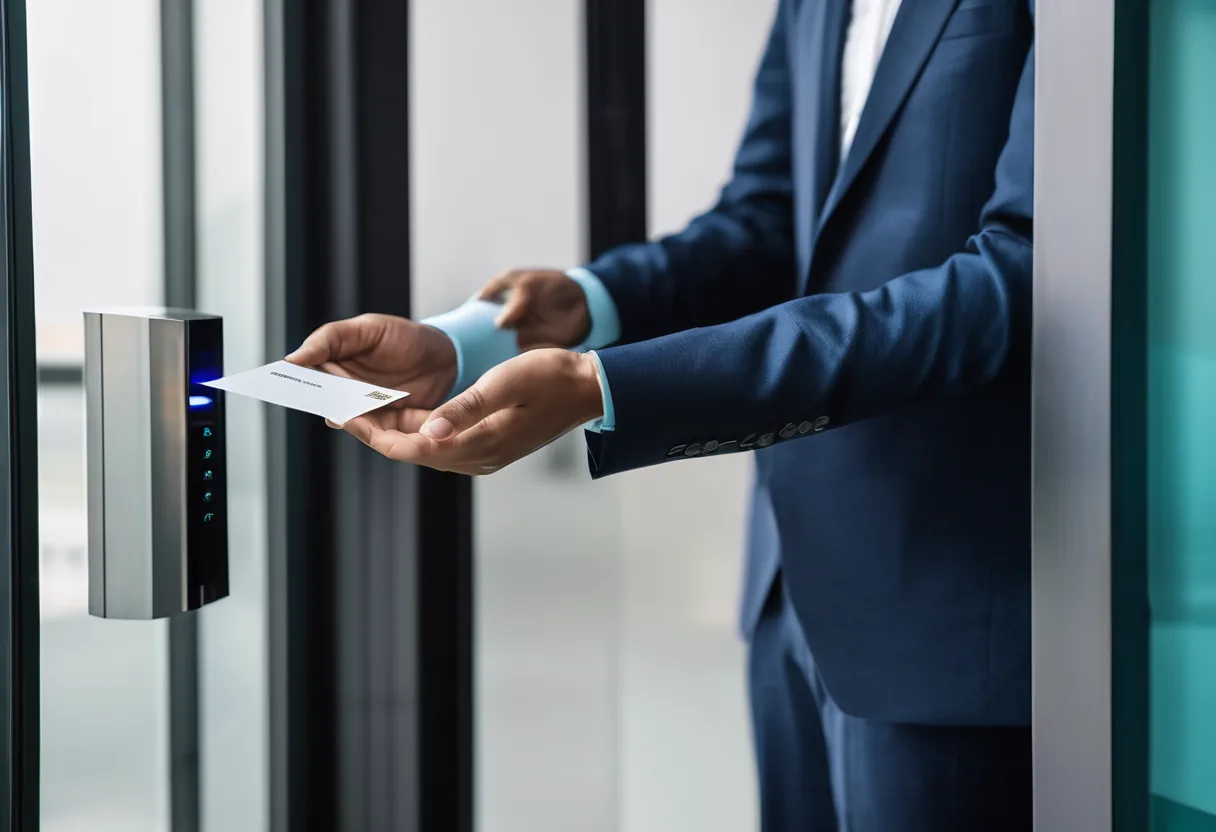
Open doors with a card, face, fingerprint or phone. Decide who goes through which door and when, and see every entry.
What we usually find on site
Keys can be copied at any key shop, and people who've left may still have one. When cash or stock goes missing, nobody can say who went in and when.
The system is made up of readers, controllers, electric locks (mag locks or electric strikes), exit buttons, door contacts and management software. The part that usually gives trouble isn't the reader, it's the door: a door that's out of alignment or a weak closer stops a mag lock from seating. We check every door during the survey.
Choosing credentials
- Cards: avoid 125 kHz (EM/Prox). They're unencrypted and can be cloned with a cheap gadget. Use encrypted cards such as MIFARE DESFire EV2/EV3 or iCLASS SE/Seos.
- Face: touchless, fast, can't be lent. Pick models with liveness detection so a photo won't open the door.
- Fingerprint: cheap, but on construction and mine sites dirty or worn fingers often won't read. There we recommend face.
- Mobile (BLE/NFC): convenient, and credentials can be issued or revoked remotely.
- Two-factor (card + PIN or face) for server rooms and cash rooms.
People's safety first
Electric locks on escape routes must release automatically when the fire alarm sounds (fail-safe), with a break-glass button beside the door. Every system has battery backup.
The software can show CCTV video alongside each event, sync with HR so access ends the day someone leaves, and enforce anti-passback so cards can't be shared. Between reader and controller we use OSDP with Secure Channel rather than Wiegand, which sends credential data unencrypted.
What it does
Several credential types
Encrypted cards, face, fingerprint, PIN and mobile.
Time and zone rights
Who can open which door, and when.
Full audit trail
Entries, doors held open and doors forced.
CCTV link
Video next to every access event.
Fire-safe
Releases automatically on fire alarm.
Anti-passback and interlocks
Stops card sharing; supports double-door mantraps.
Design and rollout
- 1
Survey every door: type, condition and required security level
- 2
Choose credentials, locks and controllers
- 3
Cable, fit locks and interface with the fire alarm
- 4
Set up software, access groups and schedules
- 5
Enrol users and test every door, including with the power off
Where it fits
- Bank server rooms and cash vaults
- Office buildings with several tenants
- Mine camps and explosives stores
- Hospitals: pharmacy, operating theatres and neonatal wards
Typical system sizes
Standalone
Fits: 1–4 doors
- Standalone face/card terminals
- Electric locks with backup power
- Exit and break-glass buttons
Networked
Fits: 5–50 doors, one building
- Networked controllers and central software
- Encrypted cards or face readers
- Fire alarm and CCTV integration
Enterprise
Fits: 50+ doors or several sites
- Enterprise platform with OSDP
- Mobile credentials and HR sync
- Visitor management and interlocks
Brands we supply & install
All brand names and trademarks belong to their respective owners. Mention does not imply official partnership unless explicitly stated. Products are sourced through legitimate distribution channels.
FAQ
What happens to the doors in a power cut?
It depends on the design. Escape-route doors must be fail-safe (unlock). A cash-room door may be fail-secure (stay locked). Either way, battery backup keeps the system running through short outages.
Is our 125 kHz card system a problem?
For ordinary doors it may still do. For server rooms or cash rooms it doesn't: the cards are unencrypted and can be copied in seconds. Move to encrypted cards, starting with the sensitive areas.
Can the same system do time attendance?
Yes. Many platforms do both or feed a time-attendance system. See our Time Attendance page.
Related guides
Access Control: Card, Fingerprint or Face, and Which Door Gets Which?
125 kHz and MIFARE Classic cards are easy to clone. Comparing encrypted cards, fingerprint, face and mobile credentials, plus OSDP, electric locks and a worked…
Server Room Checklist for a Hot, Humid Climate: Power, Cooling, Security and Cabling
The checklist we actually use when building or fixing server rooms in Laos: brownouts, failed AC, flooding, dust, and the documentation nobody writes.
Sizing a UPS Properly: VA, Watts, Power Factor and Real Battery Runtime
Why some 3 kVA UPS units only deliver 1,800 W, how to choose between offline, line-interactive and online, how to estimate runtime realistically, and how to pair a UPS…
Fire Alarm Systems: Conventional vs Addressable
Zones vs addressable loops, detector types, panel sizing, standards, integration with door release and CCTV, and routine testing.
Related solutions
Physical Security
 IP CCTV SurveillanceH.265 IP cameras with NVR/VMS, designed around what each must see: faces, plates or overview. Built for dust, rain and power dips.
 AI Video AnalyticsCameras that tell people from leaves and dogs, alert on fence crossings, check PPE, count people and search footage in seconds.
 Time AttendanceClock in by face, fingerprint or phone at every branch and site, with shift and overtime reports that go straight into payroll.
 Intrusion Alarm SystemsDoor, window and motion sensors with a siren and instant phone alerts, for offices, shops and warehouses.
 License Plate Recognition (LPR/ANPR)Cameras that read plates to open barriers, log every vehicle and tie trucks to weighbridge readings. Tested on real Lao plates…
 Perimeter SecurityWatch kilometres of fence with thermal cameras, AI, fence sensors and lighting, for mines, plants and substations.
Send us a floor plan or a few photos of the site
We’ll come back with a few questions, then a first design. The first consultation is free, in Lao, Thai or English, on WhatsApp or our Facebook page.