 Smart Building & IoT
Hotel Systems Integration (PMS, Phone, TV, Keys)
Link your PMS, phones, guest Wi-Fi, TV, key cards and CCTV on one segmented network, with one team to call.
What we usually find on site
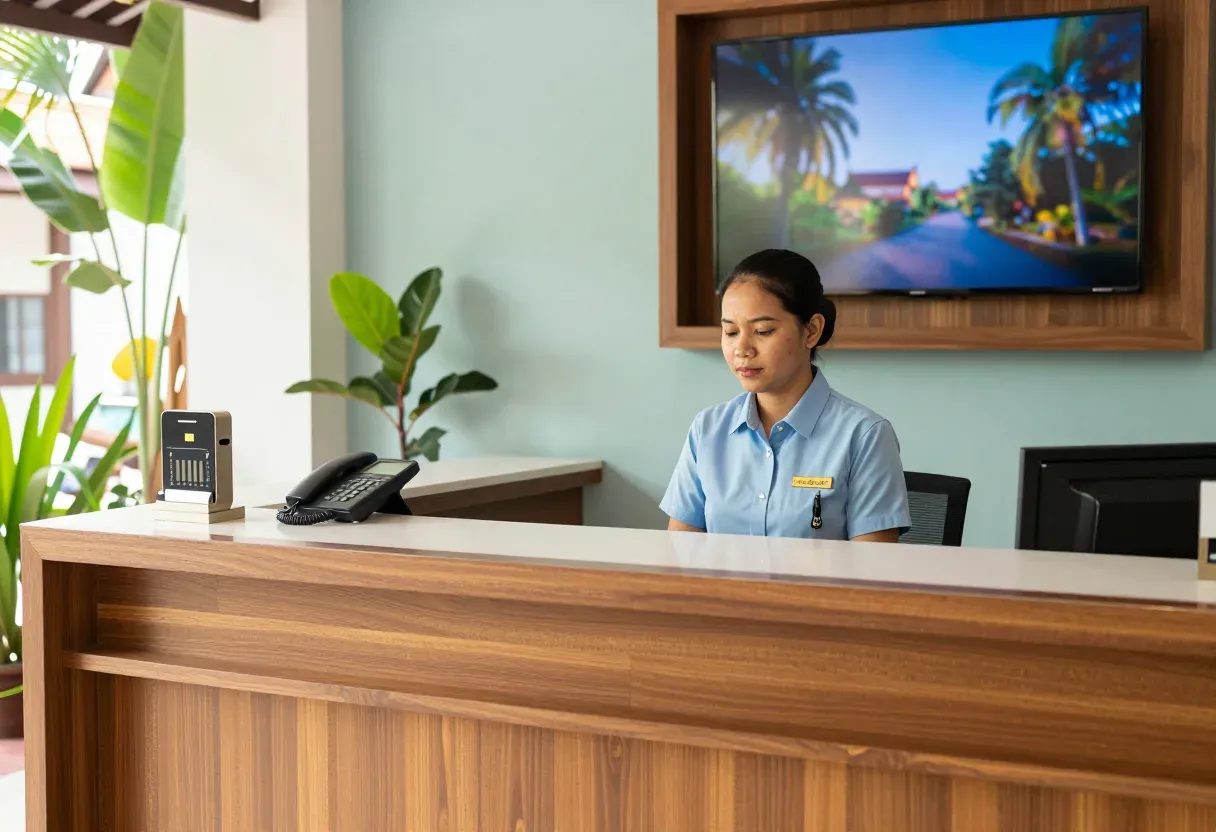
The front desk runs three screens because each contractor installed their own isolated system. Guest Wi-Fi shares the POS network, wake-up calls are done by hand and get forgotten, and every cabinet is a tangle of unlabeled cables. We bring every system onto one well-separated network with a single team responsible.
What is usually wrong
Most hotels we visit in Vientiane and the provinces did not plan their IT. The key-card contractor ran one cable, the CCTV contractor ran another, Wi-Fi boxes came from a shop, and everything ended on one flat network with one password. The front desk runs three screens because nothing talks to anything else. Guest Wi-Fi shares the POS network, so one infected guest laptop can see the cashier machine. Wake-up calls are done by hand, so a busy night shift forgets them.
How the pieces fit together
Your property management system stays at the center. We do not sell or write PMS software. We link everything around it: the IP-PBX takes room status from the PMS so housekeeping codes update the room, wake-up calls ring on schedule, and call charges post to the guest folio. Key cards encode at the front desk and stop working after checkout time. The hotel TV shows a welcome screen with the guest name and resets on checkout. For the phones themselves, see our IP-PBX work.
The network underneath
None of this is safe without separation. We rebuild the network into VLANs: guest, staff, POS, back-office, CCTV and door locks each get their own lane. A guest can never reach the POS or the cameras. Core switches sit on UPS, and at remote sites the design assumes the generator takes over during the 17:00 to 19:00 brownouts. Our guest Wi-Fi design covers concrete walls.
What we check first, and what to send us
Integration depends on which interface your PMS vendor provides, and vendors differ a lot. We check this first and tell you honestly what is possible before quoting. Send us a photo of your server corner, the names and versions of your PMS and phone system, and your room count on WhatsApp, and we will reply with which links your systems support.
What it does
PMS linked to the phone system
Room status updates itself, wake-up calls ring on time, call charges post to the folio.
Guest Wi-Fi with room login
Guests log in with room number and name, fully separated from the POS network.
Hotel TV with welcome screen
Welcome screen with guest name, central channel list, auto reset at checkout.
Key cards encoded at the front desk
Cards written at check-in and expire automatically after checkout time.
VLAN separation for every system
Guest, staff, POS, back office, cameras and door locks each travel in their own lane.
One support contact
A single team owns the whole network and can check it remotely.
Design and rollout
- 1
List every system: record makes, models, versions and existing cabling, and photograph each rack.
- 2
Check the PMS interface first: confirm honestly what can link before quoting anything.
- 3
Redesign the network: separate VLANs, re-cable where needed, core switches on UPS.
- 4
Link one system at a time: phones, Wi-Fi, TV and key cards, tested with real rooms first.
- 5
Hand over with staff training and a one-page fault guide for the night shift.
Where it fits
- A city business hotel with 40 to 80 rooms where the front desk wants one screen instead of three.
- A provincial resort with a generator that needs every system to survive the evening brownouts.
- A guesthouse growing toward 30 rooms that starts with Wi-Fi and phones, then adds the rest.
- An older hotel on a flat network that needs the POS and cameras separated from guests.
Typical system sizes
Single small hotel
Fits: One building under 40 rooms, starting with network, phones and Wi-Fi.
- VLAN design with core switches installed on UPS.
- Phone system linked to the PMS through its available interface.
- Guest Wi-Fi with room-number login, separated from the POS.
Mid-size hotel
Fits: 40 to 120 rooms, adding hotel TV, key cards and cameras into one design.
- Full linking of PMS, phones, TV, key cards and cameras.
- Automatic wake-up calls with call charges posted to folios.
- Training for both day and night shift staff.
Multi-building or resort
Fits: Several buildings or a wide site, with a generator and wireless links between blocks.
- Inter-building links with a network that survives brownouts.
- Separated guest, staff, POS and building-system networks.
- Ongoing care with remote health checks of every system.
Brands we supply & install
All brand names and trademarks belong to their respective owners. Mention does not imply official partnership unless explicitly stated. Products are sourced through legitimate distribution channels.
FAQ
Do you sell PMS software?
No. We work with the PMS you already have. The first step is checking which interface it provides, then we tell you plainly what is possible.
Can we keep our existing equipment?
Usually yes. If your switches, phones or TVs still do the job, we keep them and link them into the new network, replacing only what blocks integration.
Will Wi-Fi reach the rooms through thick walls?
Concrete walls and tiled bathrooms eat signal fast. We place access points from your actual floor plan and measure every room before handover, adding points where rooms fall short.
What happens during a power cut?
Core switches and network gear sit on UPS. At sites with a generator, phones and network come back by themselves when power returns, with no setup needed again.
Related guides
Hotel Wi-Fi Design Guide: From Guest Rooms to Ballrooms and Garden Villas
In-room AP placement, a captive portal tied to the PMS, keeping guests away from hotel systems, a worked bandwidth example, and what is specific to hotels in Laos.
VLAN Basics for Business: Keeping Guests, Cameras and Staff Apart
What a VLAN is, how 802.1Q tagging works, a sample VLAN/IP plan for a 100-person office, and how to migrate a live flat network without downtime.
Wi-Fi Security: WPA3, 802.1X and Guest Isolation That Actually Isolates
A Wi-Fi password taped to the wall and a guest SSID on the staff VLAN are what we find most. How to pick security modes, design SSIDs and VLANs, and move to WPA3 without…
Related solutions
Smart Building & IoT
 Fire Alarm SystemConventional and addressable fire alarm systems: smoke and heat detectors, call points and sounders, with testing and maintenance.
 IoT Environmental MonitoringIoT sensors for temperature, humidity, water leaks, power and air quality, alerting instantly by SMS, LINE, Telegram or email.
 GPS Fleet TrackingTrack haul trucks and heavy equipment at mines and construction sites: location, speed, engine hours and fuel, on a trilingual…
 Digital SignageCentrally managed screens for lobbies, restaurants, factories and branches, with content scheduling in three languages.
 Cold Chain Temperature MonitoringWireless temperature and humidity alarms for vaccine fridges, freezers, cold rooms and refrigerated trucks, with 24/7 logged…
Send us a floor plan or a few photos of the site
We’ll come back with a few questions, then a first design. The first consultation is free, in Lao, Thai or English, on WhatsApp or our Facebook page.