 Smart Building & IoT
Digital Signage
Centrally managed screens for lobbies, restaurants, factories and branches, with content scheduling in three languages.
What we usually find on site
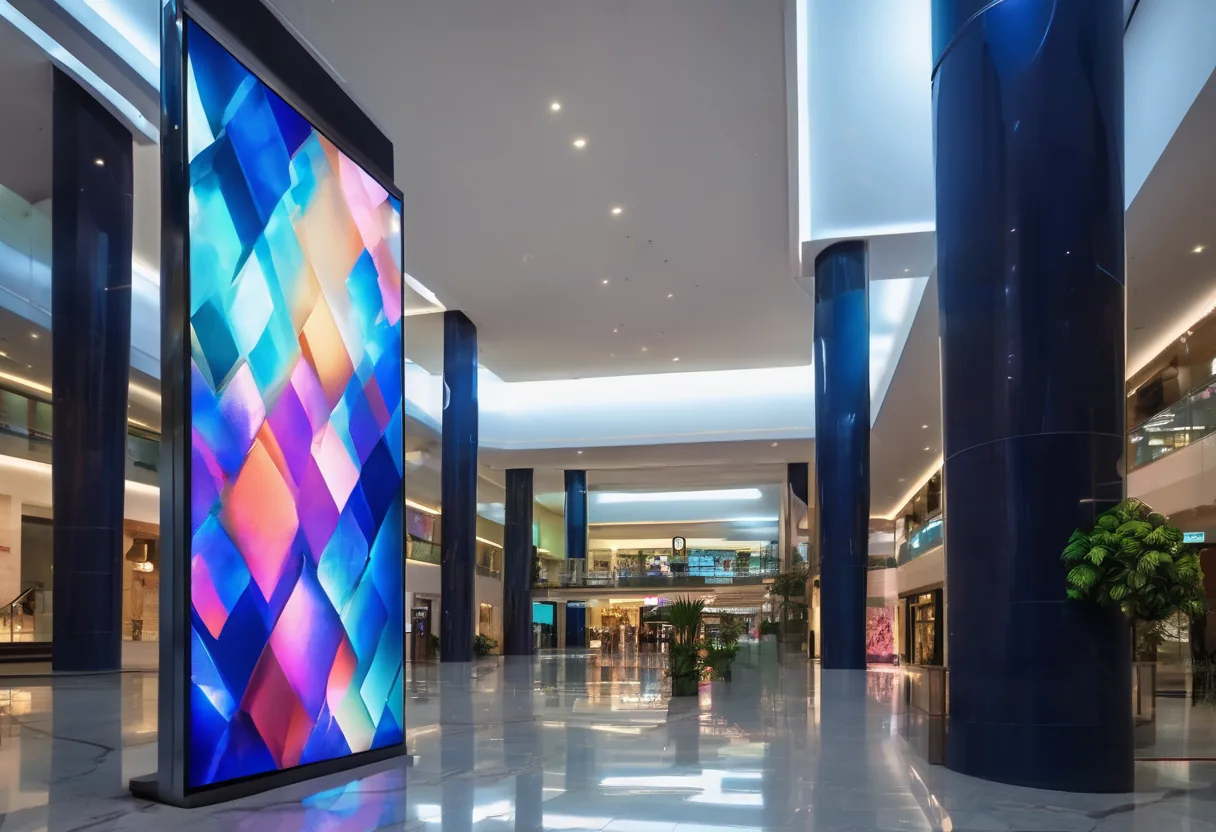
Printed posters have to be swapped by hand, costing time and printing. One branch is still showing last month's promotion. USB-fed TVs need someone to walk round and update each screen, and after a power cut the TV sits on its input menu until someone presses a button.
System components
- Commercial-grade displays: rated for long continuous operation (many 16/7 or 24/7), unlike consumer TVs. A sun-facing shopfront needs a high-brightness panel of at least 2,500 nits, or at midday nobody can see a thing
- Media players: built into the display (SoC) or a separate player box
- CMS: cloud or on-premises content management for uploads, scheduling and screen groups
Content that earns its place
- Day-parted menus (breakfast/lunch/dinner)
- Guest welcome messages and wayfinding in hotels and buildings
- Production KPIs, safety messages and days-without-incident boards in factories and mines
- Exchange rates and queue numbers in banks
- Rotating Lao/Thai/English content
For Lao content, test fonts on the actual player first. Some cheap players stack Lao vowels and tone marks incorrectly.
Reliable and secure
Players cache content locally and keep playing if the internet drops. We put screens on their own VLAN, change default passwords, and enable watchdog and auto power-on so displays come back by themselves after a power cut.
Send us photos of where you want the screens and we will recommend size and brightness for the light at each spot.
What it does
Central management
Update every screen at every branch from one CMS.
Scheduling
Change content by time, day and screen group.
Offline playback
Keeps playing when the internet is down.
Trilingual content
Lao, Thai and English fonts tested on the actual player.
Live data feeds
Show KPIs, queues or feeds from other systems.
Remote health monitoring
Know immediately when a screen or player goes offline.
Design and rollout
- 1
Define locations, screen size, brightness and viewing angles.
- 2
Select displays, players and CMS (cloud or on-premises).
- 3
Install mounts, power, network and VLAN.
- 4
Build content templates and schedules.
- 5
Train the marketing or communications team.
Where it fits
- Multi-branch restaurants and cafés using digital menu boards.
- Hotels: lobby, meeting-room and wayfinding screens.
- Factories and mines showing KPIs and safety messages.
- Banks displaying exchange rates and products.
- Schools and universities for announcements.
Typical system sizes
Single Site
Fits: 1–10 screens, one site
- Commercial displays and players
- CMS and starter templates
- Installation and training
Network
Fits: Multiple branches
- Central CMS and screen groups
- Live data integration
- Screen health monitoring and MA
Brands we supply & install
All brand names and trademarks belong to their respective owners. Mention does not imply official partnership unless explicitly stated. Products are sourced through legitimate distribution channels.
FAQ
Can we use consumer TVs instead?
For a few hours a day, yes. But most consumer TVs are not built for continuous running, often won't power back on after an outage, and their warranty may not cover commercial use.
Does it need constant internet?
No. It is only needed to push updates; players keep showing cached content. Live elements (queues, exchange rates) pause until the connection returns.
Who creates the content?
Your team can update it using templates we build, or use a separate content design service.
Related guides
VLAN Basics for Business: Keeping Guests, Cameras and Staff Apart
What a VLAN is, how 802.1Q tagging works, a sample VLAN/IP plan for a 100-person office, and how to migrate a live flat network without downtime.
PoE Budget Explained: Powering Cameras and Access Points
Why cameras drop out at night when they worked fine all day: 802.3af/at/bt, how a switch actually allocates its PoE budget, and the UPS behind it.
Digital Signage for Business: Displays, Players, CMS and Trilingual Content
Pick commercial displays by duty cycle and brightness, choose players and a CMS, schedule Lao/Thai/English content and keep the network secure.
Related solutions
Smart Building & IoT
 Fire Alarm SystemConventional and addressable fire alarm systems: smoke and heat detectors, call points and sounders, with testing and maintenance.
 IoT Environmental MonitoringIoT sensors for temperature, humidity, water leaks, power and air quality, alerting instantly by SMS, LINE, Telegram or email.
 GPS Fleet TrackingTrack haul trucks and heavy equipment at mines and construction sites: location, speed, engine hours and fuel, on a trilingual…
Send us a floor plan or a few photos of the site
We’ll come back with a few questions, then a first design. The first consultation is free, in Lao, Thai or English, on WhatsApp or our Facebook page.