On this page
Schools use power when the sun is up
A typical school runs from about 7:30 to 16:30. Fans, lights, the computer room, projectors, the office and the water pump all work during exactly the hours when panels produce. Government-style offices and health centres follow a similar pattern. That makes them some of the best fits for solar: most of the energy is used on site, the moment it is produced.
The catch is the other side of the calendar. Weekends and long school holidays bring very low load, and a remote school may have no grid at all. This guide covers how we approach these buildings, from sizing to who wipes the dust off the inverter.
Start with the load, not the roof
The roof tells you how much you can install. The load tells you how much you should. Before any layout, collect:
- A list of equipment with wattage and hours of use: fans, lights, computers, projectors, pumps, refrigerators, network and CCTV
- Twelve months of electricity bills, if there is grid power
- Term dates, opening hours and holidays
- Ideally, a load logger on the main board for one week during term
A worked example (illustrative numbers)
Take a school with 20 classrooms. Each room has four ceiling fans at about 75 W and six LED tubes at about 18 W. Add a computer room with 30 PCs at roughly 100 W each including monitors, and an office drawing about 2 kW.
- Fans: 20 × 4 × 75 W = 6.0 kW
- Lights: 20 × 6 × 18 W = 2.2 kW
- Computer room: 30 × 100 W = 3.0 kW
- Office: 2.0 kW
The connected load is about 13 kW, but not everything runs together. A logger might show a typical daytime load of 7 to 10 kW on school days. An on-grid system of around 10 kWp with zero-export control would cover much of that load on sunny days without pushing power into the grid at weekends. Bigger is not better here: on holidays, a zero-export inverter simply throttles the extra production away.
Which system type fits
| Situation | System | What it covers |
|---|---|---|
| Town school or office with stable grid | On-grid, zero-export | Daytime load on school days |
| Grid present but frequent outages or brownouts | Hybrid with LiFePO4 battery | Daytime load plus backup for chosen circuits |
| Remote school with no grid or very weak grid | Off-grid with battery | Essential loads day and evening |
Hybrid: back up what matters, not everything
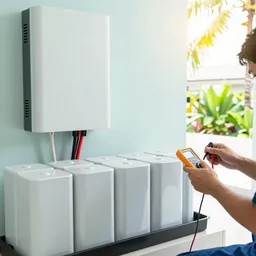
On a hybrid system, put the office computers, network and CCTV, some lights, and possibly the water pump on the backup circuit. Leave air-conditioners and kettles off it. A battery that tries to carry the whole building runs flat in minutes. See hybrid with battery and the on-grid vs hybrid vs off-grid guide.
Off-grid for remote schools
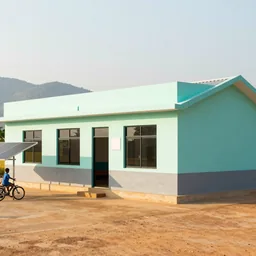
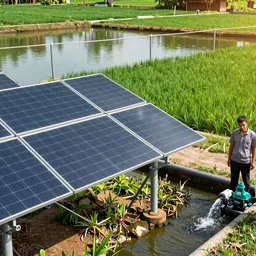
For a school beyond the grid, the design starts from a short list of loads: classroom lights and fans, a few laptops or tablets, a projector, phone charging for teachers, lights in teacher housing at night, and perhaps a water pump. Size the battery for the evening load plus at least one cloudy day, and use LiFePO4 with a proper BMS. Plan for growth honestly: a television or refrigerator added later can drain a system sized without it. Simple, rugged equipment beats feature-rich equipment that nobody locally can reset. Our off-grid solution and LiFePO4 battery guide cover sizing in more detail. Where water is the main need, a solar pump can run without batteries at all.
Roofs on schools and public buildings
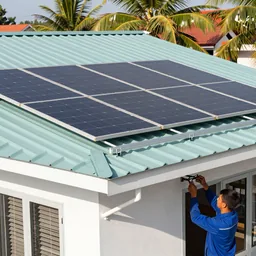
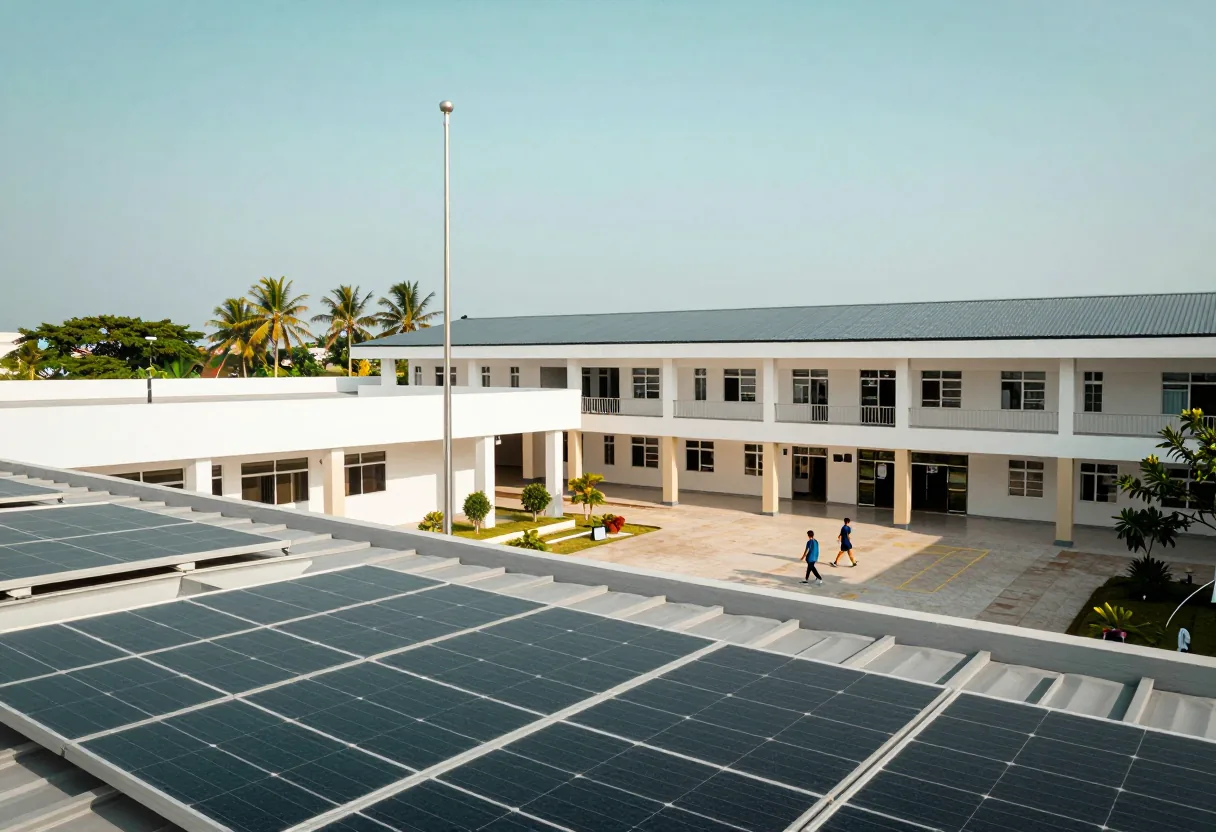
Long single-storey classroom blocks with metal sheet roofs are common and often ideal: plenty of unshaded area, facing south or east-west. Newer multi-storey buildings often have concrete slab roofs; older administrative buildings may have tile. Older buildings are sometimes built with little spare structural capacity, and very old fibre-cement sheets can contain asbestos and should not be drilled. Our roof assessment guide explains the checks.
A ground mount on unused land is an option, but only with a fence. Children climb things.
Safety around students
A school system must assume that curious children will reach anything they can.
- Put inverters, batteries and DC isolators in a locked room or a lockable enclosure, out of reach, with warning signs in Lao.
- Run all cables at child height in conduit or trunking. No loose DC cable anywhere students walk.
- Keep roof access locked. Remove or lock ladders after maintenance.
- Fence ground mounts, with no gaps children can squeeze through.
- Give the battery room ventilation, keep it cool, and place a fire extinguisher suitable for electrical fires nearby. Do not store paper or chemicals in it.
- Post emergency shutdown steps next to the inverter and show two staff members how to use them.
- Rural schools on hills see a lot of lightning. Surge protection on the DC and AC sides and a sound earthing system are not optional.
During installation, work in school holidays or at weekends where possible, cordon off the work area, and never work on a roof above an occupied classroom.
Maintenance by school staff
Schools rarely have an electrician on staff, so the routine has to be simple.
- Name one custodian: a caretaker or a science teacher who owns the logbook.
- Weekly: look at the inverter display or app, write down the energy reading, note any red lights.
- Monthly: check from the ground for dirt, bird droppings and new shade; keep inverter vents clear.
- Cleaning: from a safe place with a long-handled soft brush where possible, or scheduled with a technician. Staff never go on the roof alone, and students never go on the roof.
- A laminated one-page guide next to the inverter: what normal looks like, what the common alarms mean, who to call.
Remote monitoring by the installer is a good safety net where the school has internet or mobile coverage; a SIM-based logger works where there is no Wi-Fi. Our O&M checklist has the full routine.
A screen showing today's production in the science room is a nice bonus: students can see energy, weather and maths together.
Writing a specification that compares offers fairly
Schools and public offices often need several comparable offers. A good specification describes performance and evidence rather than favouring a brand:
Panels: monocrystalline, rated power range, maker on the industry's Tier 1 bankability lists, certified to IEC 61215 and IEC 61730, product and performance warranty periods stated.
Inverter: safety certified to IEC 62109, number of MPPT inputs, export-limit function, monitoring included, warranty period, and how service is provided in Laos.
Battery (if any): LiFePO4, usable kWh at the stated depth of discharge, BMS communication confirmed on the inverter maker's compatibility list, cycle or energy-throughput warranty, certified to IEC 62619.
Balance of system: DC isolators, surge protection on DC and AC sides, PV cable to a recognised PV cable standard, connectors from one maker, mounting designed for local wind.
Services: site survey, single-line diagram, string calculation, yield estimate as a range, commissioning to IEC 62446-1 with a written report, staff training, handover documents, monitoring account in the building owner's name, and a maintenance period with a defined response process.
Ask each bidder for brand and model of every main item, datasheets, and a sample commissioning report. Offers that cannot provide these are hard to compare.
Mistakes we commonly see
- Sizing from the whole monthly bill, including evenings and holidays, then wasting production through zero-export throttling
- Air-conditioners connected to the battery backup
- Off-grid systems with nobody trained, slowly drained by loads added later
- Inverters mounted in a corridor where students pass
- No maintenance plan after handover
Tell us about your building
Send us on WhatsApp the opening hours, the number of classrooms or offices, the main equipment, a few roof photos and whether the site has grid power. We will suggest which system type fits and what to measure next. For the pillar overview, see solar energy.
- #solar
- #schools
- #public buildings
- #off-grid
- #zero export
- #specification