 Data Center & Servers
NAS & SAN Storage
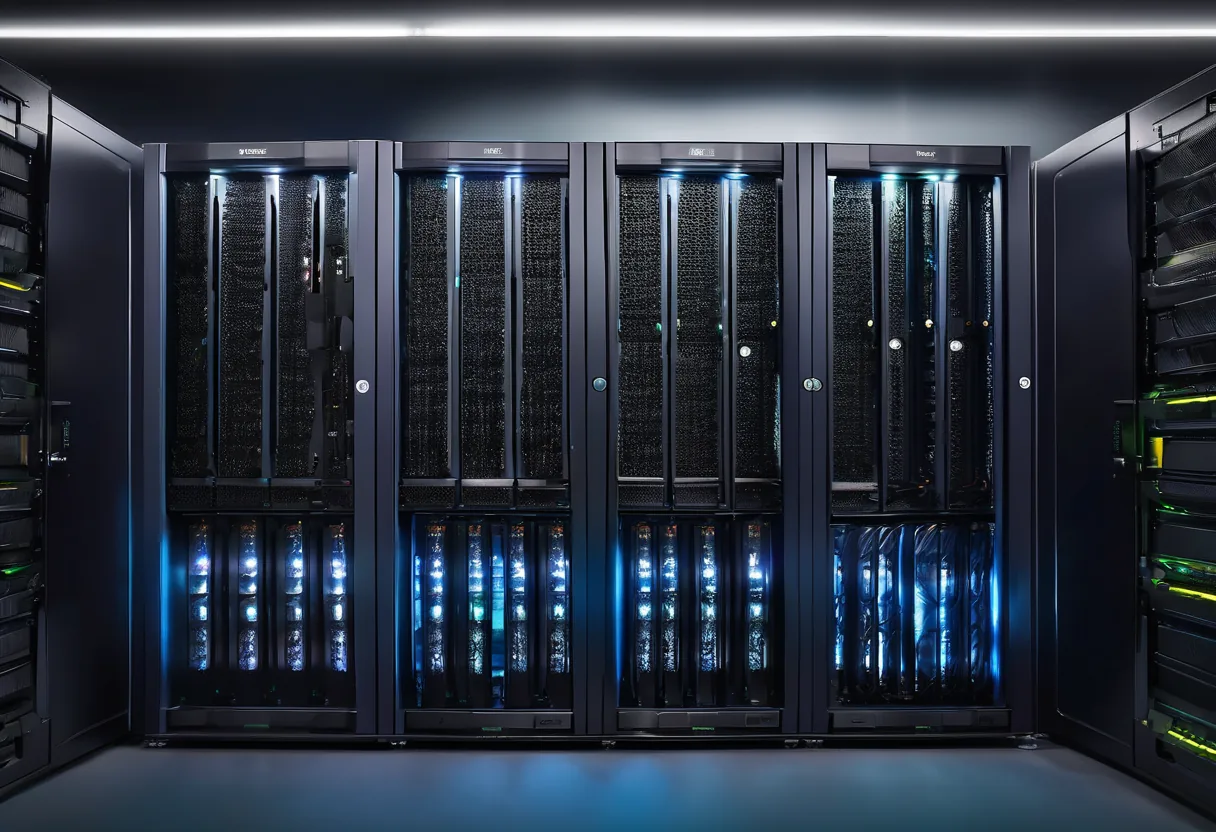
Central storage: NAS for shared files, SAN for VMs and databases, with RAID, snapshots and per-department permissions.
What we usually find on site
Important files sit on individual laptops, on an external drive in someone's drawer and on USB sticks. A laptop dies or someone resigns, and the data goes with them. Ask who can open the payroll folder and usually nobody knows.
How do NAS and SAN differ?
| NAS | SAN | |
|---|---|---|
| Access | File level (SMB/NFS) | Block level (iSCSI/FC/NVMe-oF) |
| Used for | File shares, documents, CCTV, backup targets | VMs, databases, ERP |
| Complexity | Low | Medium–high |
Most offices of 10–100 people only need a NAS that is set up properly. A SAN earns its place once you have a VM cluster.
Secure configuration, not just switching it on
- RAID matched to drive size: for 8TB drives and up, RAID 6 or RAID 10, not RAID 5
- Read-only snapshots hourly or daily, to recover deleted or encrypted files
- Active Directory permissions: finance sees finance folders, sales sees sales
- No direct internet exposure, and the default admin account disabled
RAID is not backup
RAID only covers a failed drive. Delete a file or let ransomware encrypt it and every disk loses it at once. That is why every NAS we install ships with an off-box backup.
Tell us how many users you have and how many TB you hold today, and we will recommend a NAS size and drive count.
What it does
RAID & hot spares
A failed drive rebuilds onto a hot spare immediately, without waiting for a replacement from Thailand.
Ransomware-resistant snapshots
Read-only snapshots restore a folder in minutes.
AD-integrated permissions
Department-based permissions with a log of who opened or deleted what.
SSD cache & all-flash
Speeds up VMs and databases.
Remote replication
Replicate to a second NAS at a branch or to the cloud.
Secure remote access
Reach files from outside through VPN, never by opening NAS ports to the internet.
Design and rollout
- 1
Assess data volume, file types and yearly growth.
- 2
Choose NAS, SAN or unified storage and the RAID level.
- 3
Rack-mount with UPS and 10GbE on a dedicated VLAN.
- 4
Migrate data, set permissions and snapshot schedules.
- 5
Configure off-box backup and SMART alerts before drives fail.
Where it fits
- A design-and-build firm keeping CAD/BIM files in one place.
- A government office storing scanned documents with department-level access.
- Schools and universities storing teaching materials.
- SAN backing a VM cluster and core banking database.
Typical system sizes
Office NAS
Fits: 10–50 users
- 4–8 bay NAS with RAID
- Snapshots and department shares
- Backup to external disk or cloud
Business Storage
Fits: 50–300 users or a small VM estate
- Rackmount 10GbE NAS with SSD cache
- Replication to a secondary NAS
- AD integration and alerting
Enterprise SAN
Fits: Virtualization and critical databases
- Dual-controller all-flash array
- Redundant iSCSI or FC fabric
- MA contract with spares held in Laos
Brands we supply & install
All brand names and trademarks belong to their respective owners. Mention does not imply official partnership unless explicitly stated. Products are sourced through legitimate distribution channels.
FAQ
Which RAID level should our NAS use?
With large drives, use RAID 6 or RAID 10. RAID 5 on 8TB+ drives can take days to rebuild, and a second failure during that window loses everything.
Can we expose the NAS to the internet?
Don't. Internet-exposed NAS boxes are the first thing automated ransomware scanners find. Use VPN or ZTNA instead.
Can a NAS store CCTV video?
Yes, if the VMS supports it. Use surveillance- or NAS-rated drives on a separate volume from office files, because video writes around the clock.
Related guides
NAS, SAN or Cloud: Where to Keep Company Data When the Internet Isn't Always Fast
How NAS, SAN and cloud differ on protocols, performance and cost, with real upload-time maths and a hybrid design that suits Lao internet links.
The 3-2-1 Backup Rule (and 3-2-1-1-0) in Practice
The backup rule used worldwide, why ransomware added the extra "1" and "0", how to set RPO and RTO, a worked restore-time example, and how to make it work with Lao power…
NVR Storage Calculation: How Many TB Do Your Cameras Really Need?
Working out recording storage from bitrate, camera count and retention days, with a 16-camera example, H.264 vs H.265, and RAID choices that don't fill up early.
Ransomware Checklist: Breaking the Attack at Each Stage
Ransomware is not a one-minute event. A checklist organized around the stages attackers actually go through, plus what to do in the first hour.
After Broadcom Bought VMware: Renew, or Move to Proxmox VE, Nutanix, Hyper-V or XCP-ng?
What changed in VMware licensing since 2023, an even-handed look at the alternatives, and an evaluation and migration process that keeps risk under control.
Related solutions
Data Center & Servers
 Server VirtualizationCollapse a room of ageing servers into one cluster on VMware, Proxmox, Nutanix or Hyper-V, so one dead host no longer stops the…
 Hyperconverged Infrastructure (HCI)Compute, storage and virtualization in the same nodes; add a node when you need more. Built for 1–3 person IT teams with no SAN…
 Backup & Disaster Recovery3-2-1 backups with an immutable copy ransomware cannot delete, and restores that are actually tested, not just green job reports.
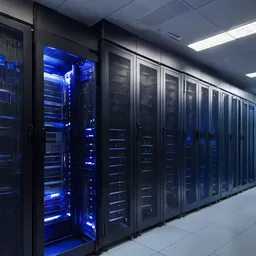 Server Room Build-outServer rooms built for the Lao climate: racks, N+1 cooling, online UPS, earthing, gas suppression, access control and alerting…
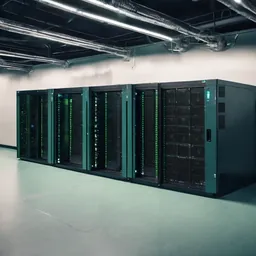 UPS & Power ProtectionUPS, earthing and surge protection for servers, switches and CCTV. Built for outages, evening brownouts and rainy-season…
Send us a floor plan or a few photos of the site
We’ll come back with a few questions, then a first design. The first consultation is free, in Lao, Thai or English, on WhatsApp or our Facebook page.