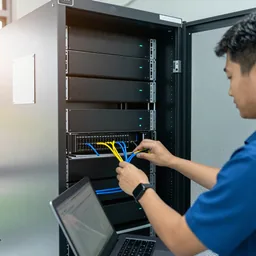
 AI for Organizations
AI Server Setup & Care
We install the AI server in your building with user accounts, backup and an acceptance test, then look after it and re-test it every month.
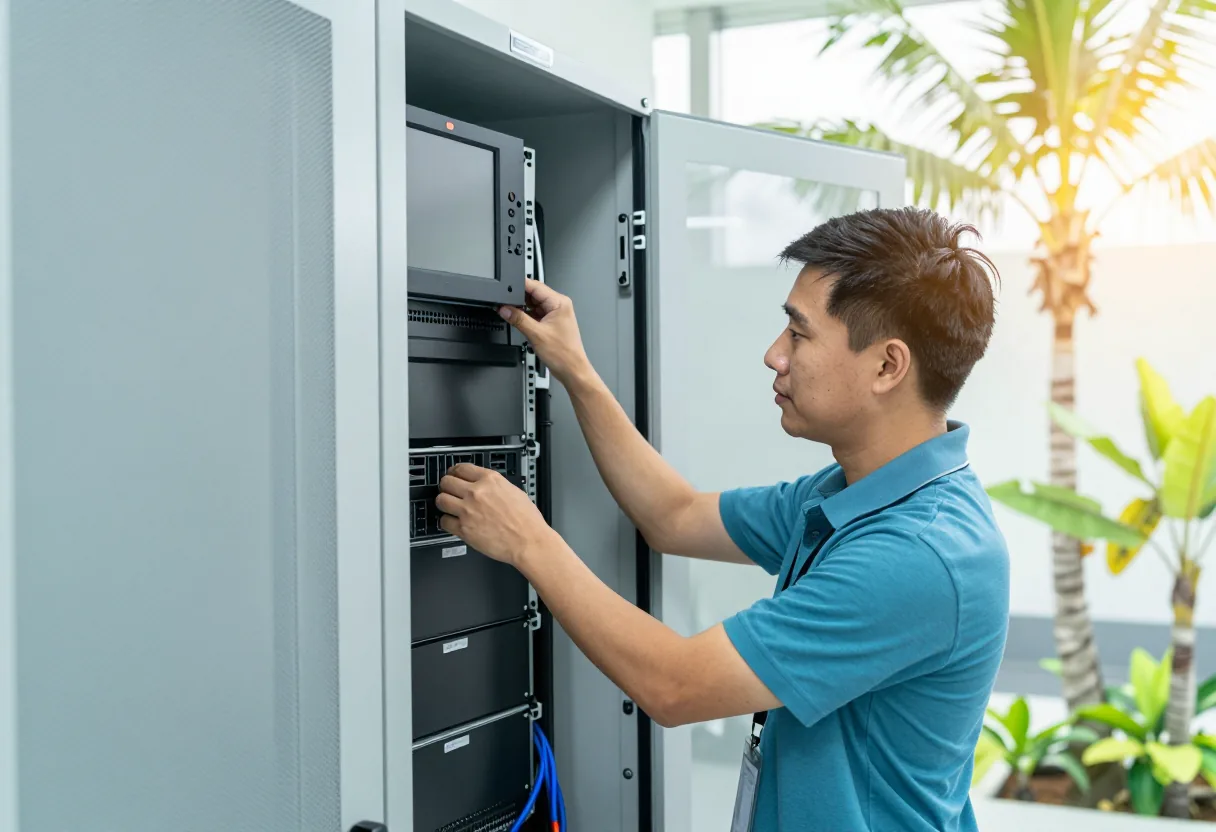
What we usually find on site
An AI server is not a box you set up and forget. It runs hot, draws a lot of power, needs a UPS and enough cooling, and the software and models change often. Without someone looking after it, a system that worked well slowly gets slower, misses its backups, or stops after a power cut without anyone noticing.
Sized after the pilot
We do not pick a server before we know the work. After a pilot on your own documents we know which tasks passed, roughly how many people will use it at once and how many documents there are. Only then do we size the server, its location and the power it needs, and the quote names brand and model so you can check it.
Location and power
An AI server gives off more heat than an ordinary file server. In the Lao heat it belongs in an air-conditioned room with good airflow, not in the corner of an office. Brownouts and power cuts are common, so a properly sized UPS with automatic shutdown before the battery runs out is essential. See server room build-out and UPS power protection.
What we install
- The server, operating system and the open-weight models that passed the pilot
- User accounts, group permissions and usage logs
- Access from inside the network, and from branches only over a secure connection
- Backup of documents, indexes and configuration, with a real restore test
Monthly care
Software and model updates only after testing, the acceptance test re-run after every update, new documents added, backups checked and user help on WhatsApp. If test results drop after an update, we roll back to the previous version and tell you.
What it does
Sized from pilot results
The server matches the tasks that passed and the real number of users, not a guess.
Ready for heat and power cuts
A cool enough room, a UPS and automatic shutdown before the battery runs out.
Accounts and logs
Everyone has their own account, and the system logs who used what and when.
Backup with a restore test
Documents, indexes and configuration backed up, with a real restore test before handover.
Re-tested after every update
The acceptance test runs again. If results drop, we roll back.
Help on WhatsApp
Ask in Lao, Thai or English and reach the team that installed the system.
Design and rollout
- 1
Summarise the pilot: tasks that passed, users and document volume.
- 2
Site check: cooling, power, UPS, network and physical security.
- 3
Propose the server with a checkable brand and model.
- 4
Install, set up accounts, permissions, logging and backup.
- 5
Run the acceptance test and a restore from backup.
- 6
Hand over documentation and start monthly care.
Where it fits
- Organisations that have passed a pilot and are ready to go live.
- Offices with an existing server room that needs cooling and power checked.
- Multi-branch organisations that need safe branch access.
- Organisations that already have an AI system but nobody looking after it.
- Small IT teams that want help with updates and testing.
Typical system sizes
Single server
Fits: One office, one or two tasks
- Installation and user accounts
- UPS with automatic shutdown
- Backup and restore test
Several tasks and branches
Fits: Several departments and branches connecting remotely
- Group permissions and usage logs
- Secure connection for branches
- Server room and cooling check
Monthly care
Fits: Any live system, including ones installed by others
- Tested updates with rollback
- Acceptance test re-runs with a report
- New documents added and help on WhatsApp
FAQ
Do we need a server room?
You need somewhere cool, with a UPS, that can be locked. For a small server, a rack in a room with air conditioning running all the time may be enough. We check the real location first and tell you plainly if it needs work.
Does the server need the internet?
Not for daily use. Documents and questions do not leave. Updates are done on an agreed schedule under control, and if you prefer, outbound connections can stay closed the rest of the time.
Will we lose data in a power cut?
The UPS gives the server time to shut down safely before the battery runs out, and backups keep a copy in another place. We test both before handover.
Can you look after a system someone else installed?
Yes, starting with a full health check: what is installed, backups, user accounts and the test set. If there is no test set, we build one with you before updating anything.
Related guides
Server Room Checklist for a Hot, Humid Climate: Power, Cooling, Security and Cabling
The checklist we actually use when building or fixing server rooms in Laos: brownouts, failed AC, flooding, dust, and the documentation nobody writes.
Sizing a UPS Properly: VA, Watts, Power Factor and Real Battery Runtime
Why some 3 kVA UPS units only deliver 1,800 W, how to choose between offline, line-interactive and online, how to estimate runtime realistically, and how to pair a UPS…
The 3-2-1 Backup Rule (and 3-2-1-1-0) in Practice
The backup rule used worldwide, why ransomware added the extra "1" and "0", how to set RPO and RTO, a worked restore-time example, and how to make it work with Lao power…
Private AI vs Cloud AI: How to Choose for Your Organisation
What changes between running AI on your own server and using a public cloud AI service — data sensitivity, internet dependence, control and upkeep — with a simple…
A Data Privacy Checklist Before You Put Company Documents Into Any AI
Before staff paste a contract, invoice or customer list into any AI tool, there is a sequence to check: classify the document, know where the AI runs, who holds an…
How to Run an AI Pilot, Step by Step
A step-by-step pilot: pick one task, collect 20–50 real samples, write pass criteria in advance, run side by side with the current way, review mistakes with staff…
Related solutions
AI for Organizations
 AI Readiness & PilotWe test AI on 20–50 of your own documents or recordings and show the results, mistakes included, before you buy a server.
 Private AI Document AssistantA private assistant on your own server that searches your documents and answers in Lao, Thai or English, showing the file and…
 AI Speech-to-Text & Meeting NotesTranscribe meetings and recordings in Lao, Thai or English on your own server, then draft minutes for the secretary to check and…
 AI Document Data EntryAI reads forms, invoices and ID-style documents into your spreadsheet or system, and highlights uncertain fields for a staff…
 AI Content StudioAI-made images and short videos for marketing, every piece labelled as AI-generated and never presented as your real product or…
 AI Staff TrainingHands-on workshops in Lao, Thai or English: safe everyday use of AI, writing prompts, checking the output and rules for data.
Send us a floor plan or a few photos of the site
We’ll come back with a few questions, then a first design. The first consultation is free, in Lao, Thai or English, on WhatsApp or our Facebook page.