 AI for Organizations
AI Document Data Entry
AI reads forms, invoices and ID-style documents into your spreadsheet or system, and highlights uncertain fields for a staff member to check.
What we usually find on site
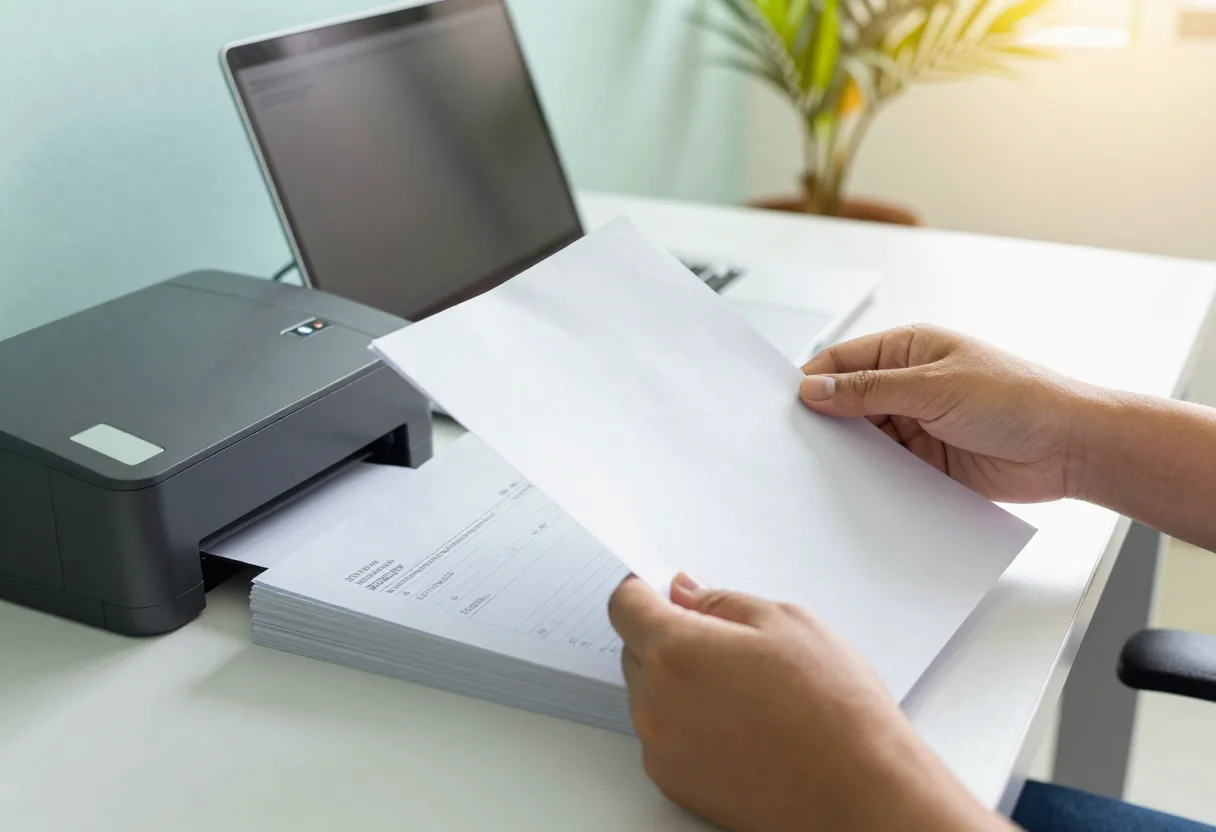
Many organisations still type data from paper into Excel by hand: supplier invoices, application forms, receipts. It is slow, dull and error-prone when people are tired. Documents arrive in Lao, Thai and English, some printed, some handwritten.
From document to spreadsheet row
You scan or photograph the document and drop it into a folder on the internal server. The system reads the text, finds the fields you defined (invoice number, date, supplier, amount, line items) and writes them as a row in Excel or a CSV file your system can import.
A person checks before anything is saved
The system does not post into your accounting system by itself. The review screen shows the document image next to the fields, and fields the system is unsure about are highlighted so staff look at them first. Staff correct and approve. Another simple check: line items must add up to the document total, and if they do not, the row is flagged.
What reads well and what does not
Clear scans of printed documents with a repeating layout read best. Lao handwriting, stamps over text, creased paper and photos taken at an angle are hard. We test on 20–50 of your real documents and report field by field which ones can be trusted and which must always be checked.
Personal documents stay inside
ID cards, certificates and payroll data should not leave the building. Everything runs on your server, access follows user accounts, and there is a log of who approved which row. Start with a pilot before you buy and plan backup alongside it.
What it does
You define the fields
Choose which fields to extract and order the columns the way your team already works.
Uncertain fields highlighted
Staff see at once which fields need a look first.
Document image beside the data
Check and correct on one screen without opening another file.
Totals cross-checked
If line items do not add up to the document total, the row is flagged.
Excel or CSV output
Files your accounting or other system can import.
Approval log
Every row shows who checked and approved it, and when.
Design and rollout
- 1
Pick the document types and fields, with 20–50 samples including the difficult ones.
- 2
Pilot and report field by field which ones can be trusted.
- 3
Install the internal server and an intake folder from scanners or phones.
- 4
Set up the review screen, highlighting rules and export format.
- 5
Run the acceptance test on the agreed document set.
- 6
Train reviewers and administrators, then monthly care.
Where it fits
- For example, an accounting team typing invoices from Lao and Thai suppliers every month.
- HR teams receiving job application forms and document copies.
- Schools entering student registration forms.
- Warehouses receiving delivery notes and goods-received slips.
- Clinics entering patient registration forms into a spreadsheet.
Typical system sizes
One document type
Fits: For example invoices or one form, one team
- Pilot with a field-by-field report
- Review screen with uncertain fields highlighted
- Excel or CSV export
Several types
Fits: Several forms and languages, several teams
- Automatic sorting by document type
- Review and approval rights by team
- Total and missing-field checks
System hand-off
Fits: Organisations that want approved data passed to an existing system
- Import format matched to what your system accepts
- Approval log on every row
- Monthly care with acceptance test re-runs
FAQ
Can it read Lao handwriting?
Sometimes, but this is the weakest area. Numbers and printed text read far better than handwriting. We measure it on your forms in the pilot, and handwritten fields usually need a person to check every time.
Can it post straight into our accounting system?
We advise against it. Data should be checked and approved by staff first, then exported as a file for the system to import. Money and accounting figures should never pass through a step nobody looks at.
Can we photograph documents with a phone instead of scanning?
Yes, if the photo is straight, well lit and free of shadows. Angled or blurry photos increase the number of uncertain fields. A sheet-fed document scanner is still the better choice for large volumes.
What happens when a supplier changes its invoice layout?
It can usually read the new layout, but uncertain fields may increase at first. During monthly care we add new samples to the test set and run it again.
Related guides
How to Run an AI Pilot, Step by Step
A step-by-step pilot: pick one task, collect 20–50 real samples, write pass criteria in advance, run side by side with the current way, review mistakes with staff…
AI and the Lao Language: What to Test Before You Trust It
What to test before trusting AI with Lao: printed vs handwritten, scan/photo quality, mixed Lao-Thai-English, numbers/dates/names, tone marks and ໜ ໝ ຳ, speech with…
A Data Privacy Checklist Before You Put Company Documents Into Any AI
Before staff paste a contract, invoice or customer list into any AI tool, there is a sequence to check: classify the document, know where the AI runs, who holds an…
The 3-2-1 Backup Rule (and 3-2-1-1-0) in Practice
The backup rule used worldwide, why ransomware added the extra "1" and "0", how to set RPO and RTO, a worked restore-time example, and how to make it work with Lao power…
Related solutions
AI for Organizations
 AI Readiness & PilotWe test AI on 20–50 of your own documents or recordings and show the results, mistakes included, before you buy a server.
 Private AI Document AssistantA private assistant on your own server that searches your documents and answers in Lao, Thai or English, showing the file and…
 AI Speech-to-Text & Meeting NotesTranscribe meetings and recordings in Lao, Thai or English on your own server, then draft minutes for the secretary to check and…
 AI Content StudioAI-made images and short videos for marketing, every piece labelled as AI-generated and never presented as your real product or…
 AI Server Setup & CareWe install the AI server in your building with user accounts, backup and an acceptance test, then look after it and re-test it…
 AI Staff TrainingHands-on workshops in Lao, Thai or English: safe everyday use of AI, writing prompts, checking the output and rules for data.
Send us a floor plan or a few photos of the site
We’ll come back with a few questions, then a first design. The first consultation is free, in Lao, Thai or English, on WhatsApp or our Facebook page.