 企业 AI
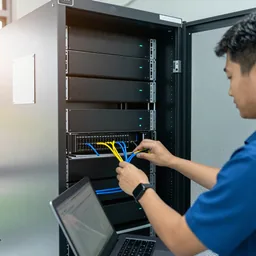
现场常见问题
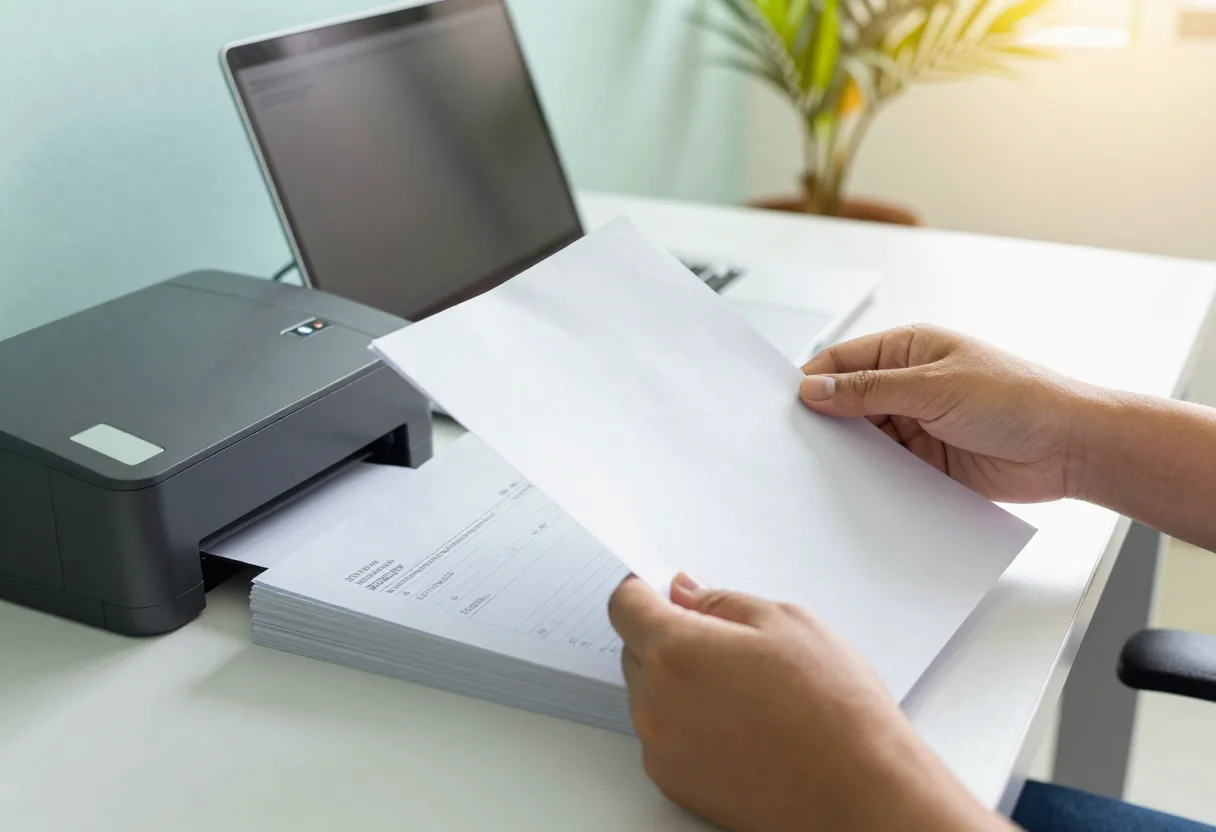
Many organisations still type data from paper into Excel by hand: supplier invoices, application forms, receipts. It is slow, dull and error-prone when people are tired. Documents arrive in Lao, Thai and English, some printed, some handwritten.
From document to spreadsheet row
You scan or photograph the document and drop it into a folder on the internal server. The system reads the text, finds the fields you defined (invoice number, date, supplier, amount, line items) and writes them as a row in Excel or a CSV file your system can import.
A person checks before anything is saved
The system does not post into your accounting system by itself. The review screen shows the document image next to the fields, and fields the system is unsure about are highlighted so staff look at them first. Staff correct and approve. Another simple check: line items must add up to the document total, and if they do not, the row is flagged.
What reads well and what does not
Clear scans of printed documents with a repeating layout read best. Lao handwriting, stamps over text, creased paper and photos taken at an angle are hard. We test on 20–50 of your real documents and report field by field which ones can be trusted and which must always be checked.
Personal documents stay inside
ID cards, certificates and payroll data should not leave the building. Everything runs on your server, access follows user accounts, and there is a log of who approved which row. Start with a pilot before you buy and plan backup alongside it.
功能
You define the fields
Choose which fields to extract and order the columns the way your team already works.
Uncertain fields highlighted
Staff see at once which fields need a look first.
Document image beside the data
Check and correct on one screen without opening another file.
Totals cross-checked
If line items do not add up to the document total, the row is flagged.
Excel or CSV output
Files your accounting or other system can import.
Approval log
Every row shows who checked and approved it, and when.
设计与实施
- 1
Pick the document types and fields, with 20–50 samples including the difficult ones.
- 2
Pilot and report field by field which ones can be trusted.
- 3
Install the internal server and an intake folder from scanners or phones.
- 4
Set up the review screen, highlighting rules and export format.
- 5
Run the acceptance test on the agreed document set.
- 6
Train reviewers and administrators, then monthly care.
适用场景
- For example, an accounting team typing invoices from Lao and Thai suppliers every month.
- HR teams receiving job application forms and document copies.
- Schools entering student registration forms.
- Warehouses receiving delivery notes and goods-received slips.
- Clinics entering patient registration forms into a spreadsheet.
常见系统规模
One document type
适用于: For example invoices or one form, one team
- Pilot with a field-by-field report
- Review screen with uncertain fields highlighted
- Excel or CSV export
Several types
适用于: Several forms and languages, several teams
- Automatic sorting by document type
- Review and approval rights by team
- Total and missing-field checks
System hand-off
适用于: Organisations that want approved data passed to an existing system
- Import format matched to what your system accepts
- Approval log on every row
- Monthly care with acceptance test re-runs
常见问题
Can it read Lao handwriting?
Sometimes, but this is the weakest area. Numbers and printed text read far better than handwriting. We measure it on your forms in the pilot, and handwritten fields usually need a person to check every time.
Can it post straight into our accounting system?
We advise against it. Data should be checked and approved by staff first, then exported as a file for the system to import. Money and accounting figures should never pass through a step nobody looks at.
Can we photograph documents with a phone instead of scanning?
Yes, if the photo is straight, well lit and free of shadows. Angled or blurry photos increase the number of uncertain fields. A sheet-fed document scanner is still the better choice for large volumes.
What happens when a supplier changes its invoice layout?
It can usually read the new layout, but uncertain fields may increase at first. During monthly care we add new samples to the test set and run it again.
相关指南
如何一步步开展 AI 试点
分步试点:选一项任务,收集 20–50 个真实样本,预先写好合格标准,与现有做法并行对比,和员工一起复盘错误,决定是否推进,最后才确定服务器配置。
AI 与老挝语:信任之前要测试什么
老挝语 AI 需测试:印刷与手写、扫描/拍照质量、老泰英混排、数字日期人名、声调符号及 ໜ ໝ ຳ、口音与噪音下的语音、翻译草稿,并教您建小型测试集人工打分。
把公司文档交给 AI 之前的数据隐私检查清单
员工把合同、发票或客户名单粘贴到 AI 之前,应逐项检查:文档分级、AI 在哪运行、谁有账号、提问是否被记录、是否被用于训练公共模型、数据保留多久。
3-2-1 备份原则(及 3-2-1-1-0)实践
全球通用的备份原则,勒索软件为何催生了额外的“1”和“0”,如何设定 RPO 和 RTO,恢复时间计算示例,以及如何适应老挝的电力和带宽条件。
相关解决方案
企业 AI
 AI 就绪评估与试点在您买服务器之前,先用您自己的 20–50 份文档或录音测试 AI,并如实展示结果,包括出错之处。
 私有 AI 文档助手部署在您自有服务器上的私有助手,检索内部文档并用老挝语、泰语或英语作答,每个答案都标明出处文件和页码。
 AI 语音转写与会议纪要在自有服务器上将老挝语、泰语或英语的会议和录音转为文字,再起草纪要供秘书核对确认。
 AI 内容工作室AI 制作营销图片和短视频,每件作品都标注为 AI 生成,绝不冒充您的真实产品或场所。
 AI 服务器部署与维护我们在贵司内部安装 AI 服务器,配置用户账号、备份并做验收测试,之后持续维护,每月复测。
 AI 员工培训老挝语、泰语或英语实操工作坊:日常安全使用 AI、编写提示词、核查输出以及数据使用规则。
发给我们建筑平面图或几张现场照片
我们会先询问一些细节,再给出初步设计方案。首次咨询免费,可用老挝语、泰语或英语,通过 WhatsApp 或 Facebook 主页联系。