 网络
现场常见问题
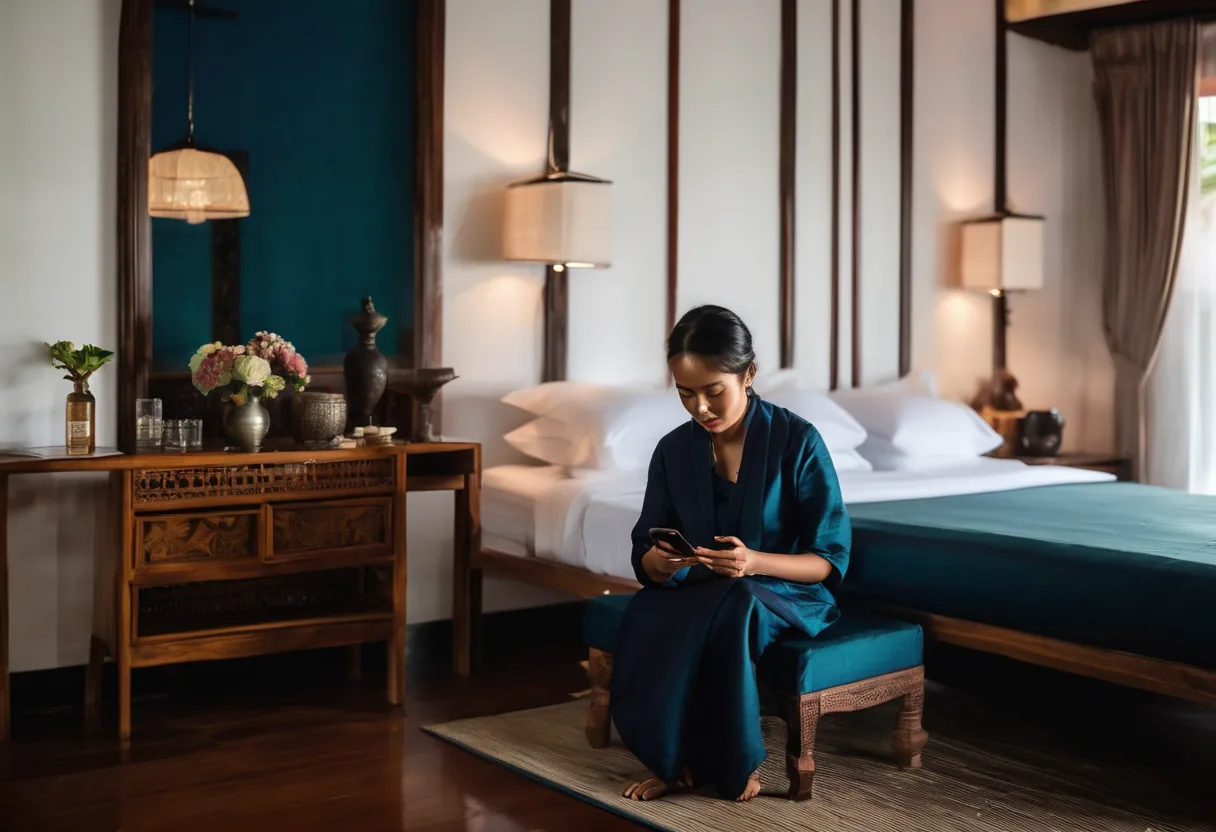
"The Wi-Fi in the room doesn't work" is one of the most common lines in hotel reviews. Usually the APs are in the corridor and the signal has to get through concrete and a bathroom before it reaches the bed. And all guests often share one network, where they can see each other's devices.
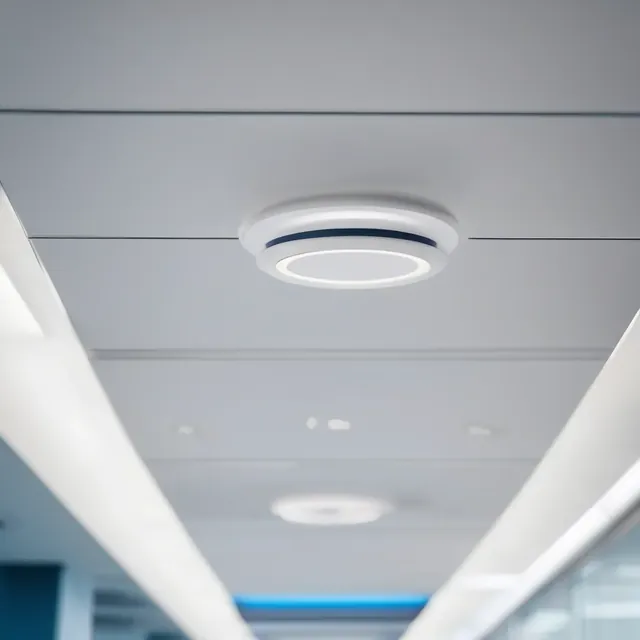
For hotels we recommend in-room wall-plate APs in every room or every second room, not corridor mounting. These APs also have LAN ports for the smart TV, IPTV and room phone, so one cable does several jobs. Lobby, function rooms and the pool get high-density and outdoor APs.
What guests see
- A login page with your hotel's name: room number + surname (via PMS), a voucher or a daily code. Front desk stops spelling out the Wi-Fi password to every arrival.
- Every guest isolated: client isolation and separate VLANs. Guests can't see each other's devices or reach staff or POS networks.
- Fair bandwidth: per-user limits so one room downloading doesn't slow the whole floor, with a premium tier for conferences if you want one.
What guests don't see, but matters
Two ISPs with load balancing so the property doesn't go offline when one provider has a bad day. A UPS on the switches and gateway. And session logs, which help a lot when you need to find out what happened on the network.
Older and heritage buildings in Luang Prabang and Vang Vieng often can't be drilled. There we run cable in surface trunking or use desk-mount APs, and design around the building.
功能
In-room APs
Strong signal in the room, plus LAN ports for TV and phone.
Your own login page
Room number, voucher or daily code.
PMS integration
Guest names checked automatically against supported property systems.
Guest isolation
Client isolation and VLANs separate from staff and POS.
Bandwidth control
Per-device limits and premium tiers.
Two ISPs
One link fails, guests stay online.
设计与实施
- 1
Survey rooms, wall materials and public areas
- 2
Design in-room and high-density AP placement
- 3
Install PoE switches, gateway and two ISPs
- 4
Set up the portal, VLANs and PMS link
- 5
Test every room and brief front-desk staff
适用场景
- Business hotels in Vientiane with guests and conferences
- Resorts and boutique hotels in Luang Prabang and Vang Vieng
- Guesthouses and serviced apartments
- Conference and banquet halls with hundreds online at once
常见系统规模
Boutique
适用于: Up to 40 rooms
- Cloud-managed APs covering every room
- Voucher-based login page
- Separate guest and staff Wi-Fi
Business Hotel
适用于: 40–200 rooms
- In-room APs plus meeting rooms
- PMS integration and service tiers
- Two ISPs with load balancing
Resort / Convention
适用于: 200+ rooms or large grounds
- Outdoor APs and PtP links to villas
- High-density event Wi-Fi
- 24/7 monitoring and reporting
我们供货并安装的品牌
所有品牌名称和商标归其各自所有者所有。除非另有明确说明,提及某品牌并不代表与其存在合作关系。产品均通过正规分销渠道采购。
常见问题
Why not mount APs in the corridor?
The signal has to pass concrete and a bathroom (tiles, mirrors, pipes), which absorb a lot. In-room APs give better signal at lower power, so they interfere with each other less.
Can we reuse existing cabling or coax?
Cat5e or better that passes testing is usually fine. There are coax-based products, but it's case by case. We test what's there before we quote.
Should we keep guest internet logs?
We recommend keeping session logs (which device, which room, when) for a period so you can investigate incidents. You set the retention, and you should have a policy on who may view them.
相关指南
酒店 Wi-Fi 设计指南:从客房到宴会厅和花园别墅
客房内 AP 布点、对接 PMS 的认证门户、让客人远离酒店内部系统、带宽计算示例,以及老挝酒店的特殊情况。
Wi-Fi 安全:WPA3、802.1X 与真正有效的访客隔离
贴在墙上的 Wi-Fi 密码、挂在员工 VLAN 上的访客 SSID,是我们最常见的问题。如何选择加密模式、设计 SSID 与 VLAN,并在不影响打印机的前提下升级到 WPA3。
双 ISP 互联网冗余:光纤被挖断时怎么办
主备切换还是负载均衡,如何挑选不会同时故障的两家运营商,所需设备,以及如何测试切换确保真正可用。
Wi-Fi 现场勘察指南:先测量,再打孔
选用哪种勘察方式,我们设计采用的 RSSI/SNR 指标,勘察当天实际做什么,以及最后应拿到的报告。
企业 Wi-Fi AP 选型:比标称速率更重要的事
Wi-Fi 6、6E 还是 7,云管理还是控制器,室内还是室外:工程师下单 AP 前要检查什么,包括 6 GHz 与国家版本型号问题,以及 AP 数量初估。
企业 VLAN 入门:隔离访客、摄像机和员工网络
什么是 VLAN,802.1Q 标签如何工作,100 人办公室的 VLAN/IP 规划示例,以及如何在不停机的情况下改造在用的扁平网络。
相关计算工具
相关解决方案
网络
 综合布线Cat6/Cat6A 与光纤,两端贴标签,每条链路逐一测试,并移交竣工图纸。布线一次做对,可用 15 年以上。
 企业局域网与交换核心–接入架构的局域网,划分 VLAN,上联冗余,PoE 供电充足。一根插错形成环路的网线,再也不会让整栋楼断网。
 企业 Wi-FiWi-Fi 6/6E/7,AP 点位依据实测部署。会议室满员也能用,走动通话不断线,采用 WPA3 加密。
 分支机构 SD-WAN外省分支同时使用两条互联网线路,一条故障另一条数秒内接管,全程加密。
 光纤骨干与园区互联楼层、楼宇和站点之间 10–100 Gbps 光纤互联。光纤不导电,雷击不会沿线路从一栋楼传到另一栋。
 点对点无线链路数公里 PtP/PtMP 无线链路,跨越道路和河流,连接无法布线的楼宇和站点。
发给我们建筑平面图或几张现场照片
我们会先询问一些细节,再给出初步设计方案。首次咨询免费,可用老挝语、泰语或英语,通过 WhatsApp 或 Facebook 主页联系。