 网络
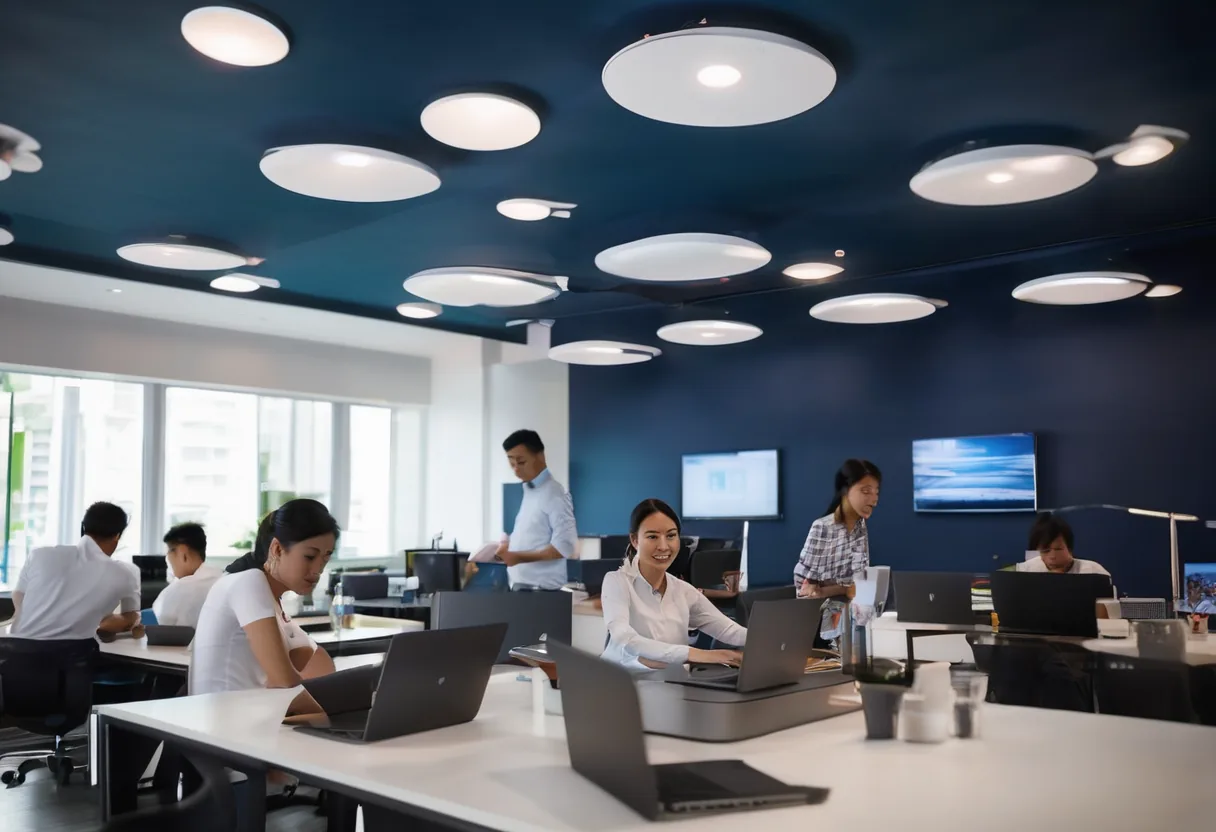
现场常见问题
Home routers or APs mounted wherever was convenient leave dead spots, interfere with each other and drop you between rooms. The classic symptom: full bars, nothing loads, especially when a meeting starts.
More APs is not the answer. Packing APs into 2.4 GHz usually makes things slower, because there are only three non-overlapping channels. We design for capacity (people and devices) first, then check coverage with predictive modelling and on-site measurement.
The concrete walls and reflective coated glass common in new Vientiane buildings eat far more 5 GHz signal than people expect. That is why we don't design from the floor plan alone.
Picking the standard
- Wi-Fi 6 (802.11ax): OFDMA and MU-MIMO cope well with many clients. The minimum for new work.
- Wi-Fi 6E: adds the uncrowded 6 GHz band, ideal for meeting rooms and classrooms. Before ordering we confirm the imported AP model actually enables 6 GHz for this country.
- Wi-Fi 7 (802.11be): 320 MHz channels (6 GHz only) and Multi-Link Operation (MLO). Plan 2.5/5 Gbps uplinks and at least 802.3at PoE; many models need 802.3bt to run with every feature enabled.
Security and management
Staff connect with WPA3-Enterprise and 802.1X using their own accounts, not a Wi-Fi password taped to the wall. Guests get a separate SSID with client isolation and rate limits. 802.11k/v/r lets people walk the building on a VoIP call without it dropping.
Balcony and rooftop APs are IP67 models with a surge protector on the LAN cable. In the rainy season, that's the point that fails most often.
功能
Designed from measurements
Predictive heatmaps before install and a validation survey after.
Wi-Fi 6/6E/7
Not every room needs Wi-Fi 7. We mix generations by density and budget.
WPA3 and 802.1X
Per-user login via RADIUS/Active Directory.
Roaming that holds
802.11k/v/r for VoIP handsets and warehouse scanners.
Separate guest Wi-Fi
Captive portal, client isolation and per-user bandwidth caps.
Every AP on one screen
See clients and interference, and push firmware centrally.
设计与实施
- 1
Find out who uses which areas, how many, and for what
- 2
Predictive design from floor plans and wall materials
- 3
AP-on-a-stick survey in critical areas
- 4
Install APs and PoE switches; set up SSIDs, VLANs and 802.1X
- 5
Re-survey after install and tune channels and power
适用场景
- Open-plan offices and packed meeting rooms
- Classrooms where every student opens a tablet or laptop at once
- Warehouses where barcode scanners roam the whole floor
- Hospitals where nurses carry mobile devices around the building
常见系统规模
Essential
适用于: Up to 10 APs, one office
- Cloud-managed Wi-Fi 6 APs
- Staff and guest SSIDs
- Predictive design
Professional
适用于: 10–60 APs, several floors
- Wi-Fi 6E/7 in dense areas
- WPA3-Enterprise with 802.1X
- Pre- and post-install surveys
Campus
适用于: 60+ APs, several buildings or outdoor
- Redundant controllers and NAC
- IP67 outdoor APs with surge protection
- Monthly performance reports
我们供货并安装的品牌
所有品牌名称和商标归其各自所有者所有。除非另有明确说明,提及某品牌并不代表与其存在合作关系。产品均通过正规分销渠道采购。
常见问题
How many APs do I need?
It depends on headcount, walls and what people do. Our starting planning figure is 25–40 active devices per AP. Send us your floor plan on WhatsApp and we'll mark rough AP positions.
Is Wi-Fi 7 worth it now?
For new buildings with a 7–10 year life and crowded spaces, yes. For a 20-person office, Wi-Fi 6 is still enough, and the money is better spent on switches and a UPS.
Can wireless mesh replace cabling to APs?
Yes, where the landlord won't allow drilling or cabling is truly impossible. But every mesh hop costs throughput. For a business we want every AP cabled.
Can staff log in to Wi-Fi with their Active Directory account?
Yes, through 802.1X with RADIUS (such as NPS) or a NAC platform. Disable a leaver's account and their Wi-Fi access stops. No more changing the company-wide password.
相关指南
企业 Wi-Fi AP 选型:比标称速率更重要的事
Wi-Fi 6、6E 还是 7,云管理还是控制器,室内还是室外:工程师下单 AP 前要检查什么,包括 6 GHz 与国家版本型号问题,以及 AP 数量初估。
Wi-Fi 现场勘察指南:先测量,再打孔
选用哪种勘察方式,我们设计采用的 RSSI/SNR 指标,勘察当天实际做什么,以及最后应拿到的报告。
Wi-Fi 安全:WPA3、802.1X 与真正有效的访客隔离
贴在墙上的 Wi-Fi 密码、挂在员工 VLAN 上的访客 SSID,是我们最常见的问题。如何选择加密模式、设计 SSID 与 VLAN,并在不影响打印机的前提下升级到 WPA3。
PoE 功率预算详解:为摄像机和 AP 供电
为什么摄像机白天正常、晚上掉线:802.3af/at/bt、交换机如何实际分配 PoE 功率预算,以及后端的 UPS。
酒店 Wi-Fi 设计指南:从客房到宴会厅和花园别墅
客房内 AP 布点、对接 PMS 的认证门户、让客人远离酒店内部系统、带宽计算示例,以及老挝酒店的特殊情况。
办公网络设计:采购之前要先定下什么
为老挝 20–300 人办公室设计局域网、Wi-Fi、防火墙和供电时,工程师的决策顺序,附检查清单和分阶段预算。
相关计算工具
相关解决方案
网络
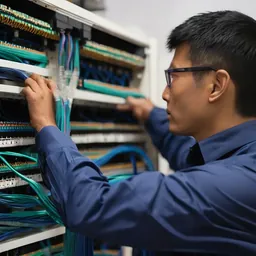 综合布线Cat6/Cat6A 与光纤,两端贴标签,每条链路逐一测试,并移交竣工图纸。布线一次做对,可用 15 年以上。
 企业局域网与交换核心–接入架构的局域网,划分 VLAN,上联冗余,PoE 供电充足。一根插错形成环路的网线,再也不会让整栋楼断网。
 分支机构 SD-WAN外省分支同时使用两条互联网线路,一条故障另一条数秒内接管,全程加密。
 光纤骨干与园区互联楼层、楼宇和站点之间 10–100 Gbps 光纤互联。光纤不导电,雷击不会沿线路从一栋楼传到另一栋。
 点对点无线链路数公里 PtP/PtMP 无线链路,跨越道路和河流,连接无法布线的楼宇和站点。
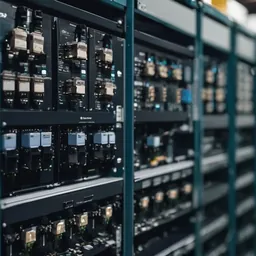 工业网络 (OT)耐粉尘、高温和振动的工业交换机,环网冗余、IT/OT 隔离,适用于工厂和矿山。
发给我们建筑平面图或几张现场照片
我们会先询问一些细节,再给出初步设计方案。首次咨询免费,可用老挝语、泰语或英语,通过 WhatsApp 或 Facebook 主页联系。